
To test you need to open a shop first, then you have to create a pattern and post the testing link, so people can apply with clicking on it.

When your pattern is in draft mode you can click on the gear wheel or directly on the clipboard.

If you click on the gear wheel you should now select “manage testing”
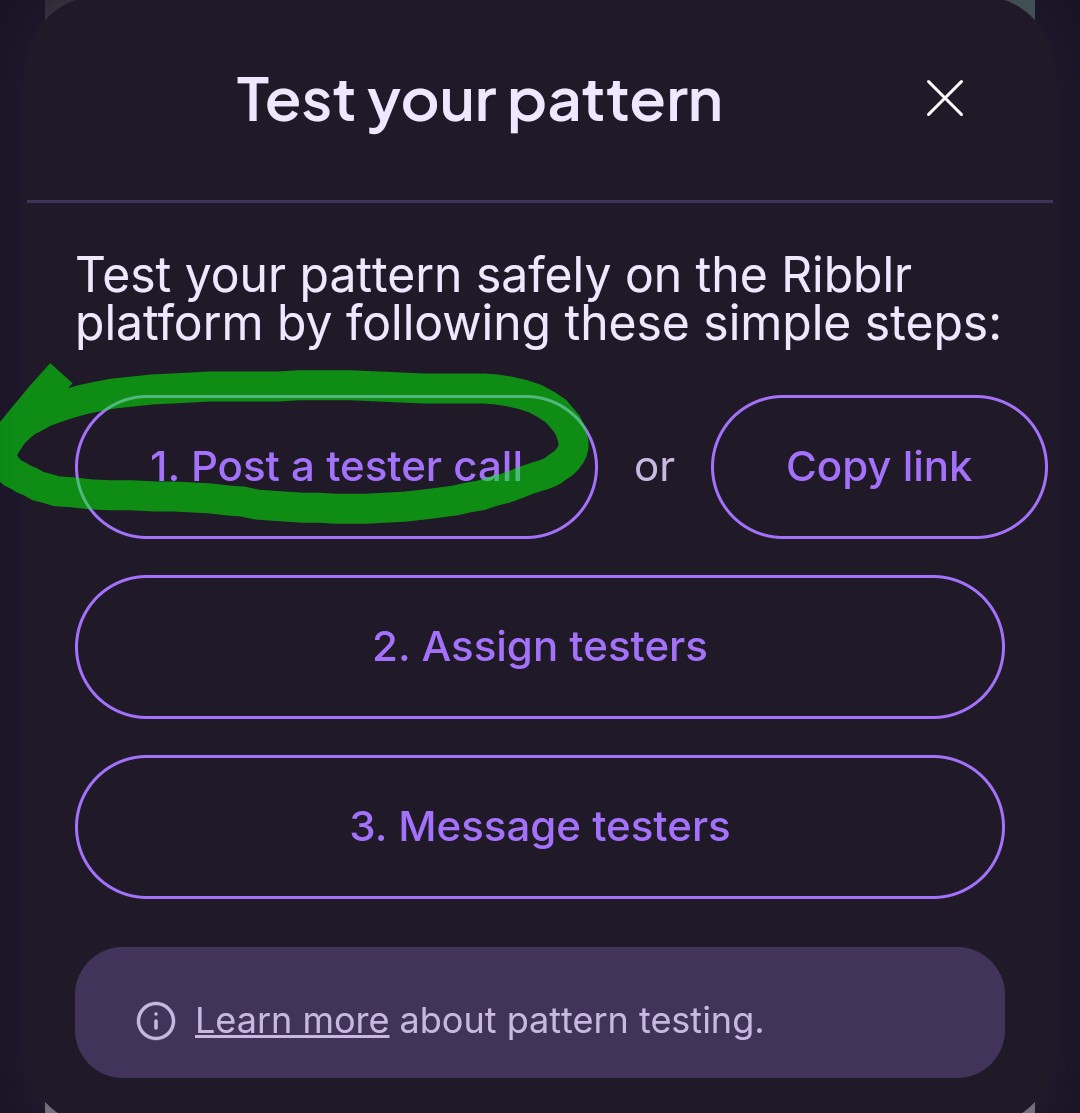
After you clicked on “manage testing” or directly on the clipboard, this window opens and you can click on “post a tester call”, which creates a post you can edit with all additional information and which has a picture people can click on to apply for testing :)
Or you can click on “copy link” and edit your post here to add it :)