First, I love the new update! So many improvements!
I am having problems with the boards though.
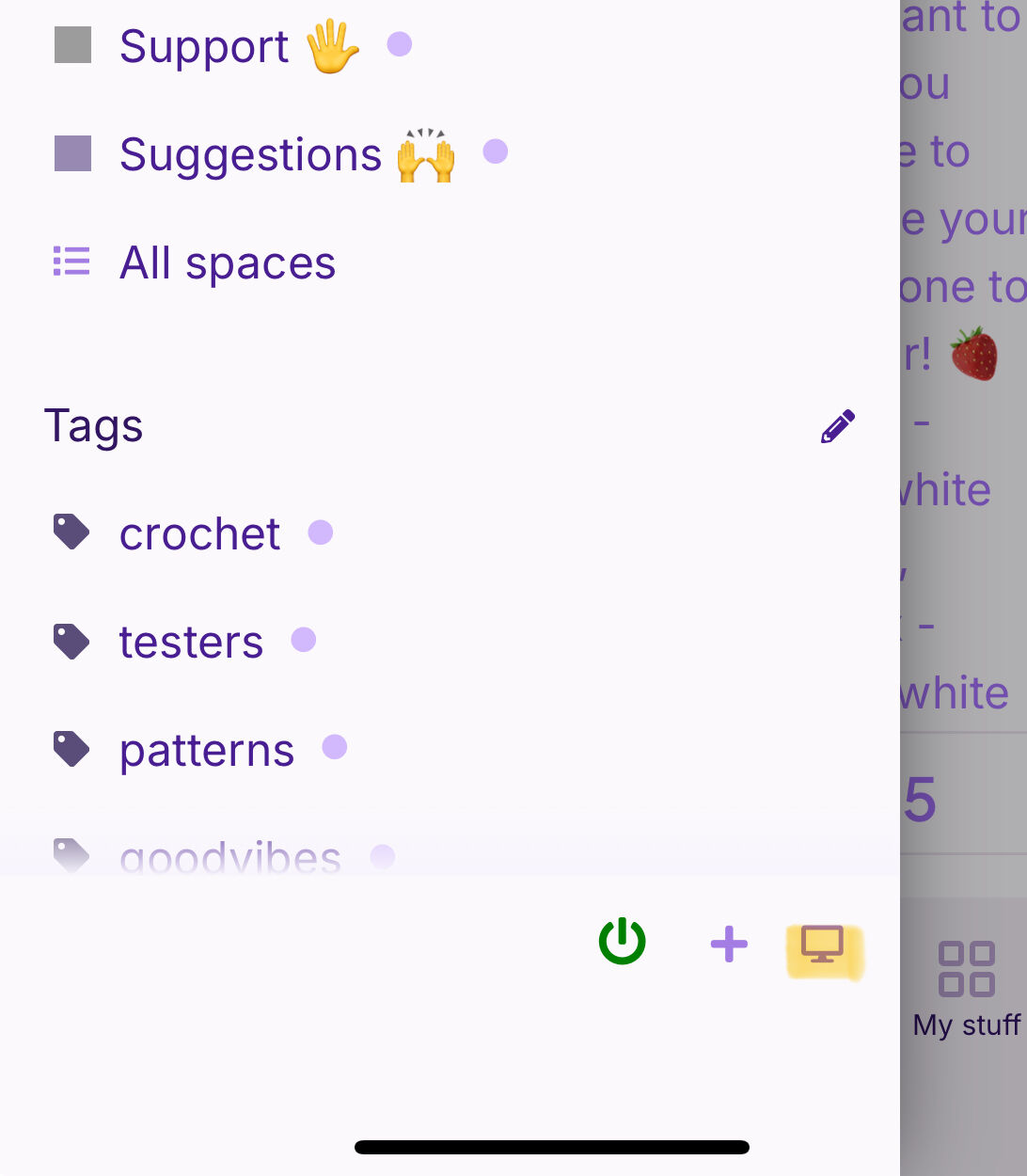
If I use the 3 dots on the board to add patterns, there are 2 issues.
- It only lists the most recent 50 patterns I have (I have a lot more than 50), so I can’t add anything older than the last 50 I’ve added to my patterns.
- If I do add patterns from that 50, it deletes everything else from that board except what I added.
I have tried creating a new board, but I have the same issue with only the 50 most recent patterns available to select.
I can go to my patterns list and add them 1 by 1 to a board, but that takes forever.
For example, I’m trying to replicate a board I had with amigurumi patterns that fell victim to issue #2 - I added 2 new patterns & all the rest were nuked. The bulk of the patterns I have are patterns I added early in my Ribblr tenure hence I cannot access them to add in bulk because they aren’t among my 50 most recent patterns. I started to add 1 at a time, but gave up because I had to add, go back to the patterns list, scroll all the way down to get to the next one, and repeat.
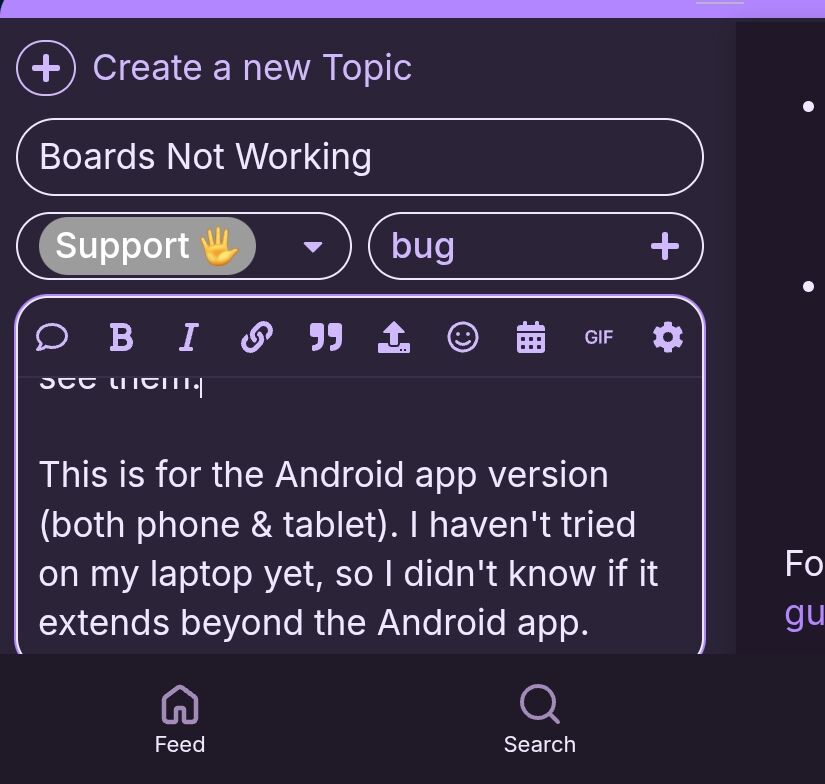
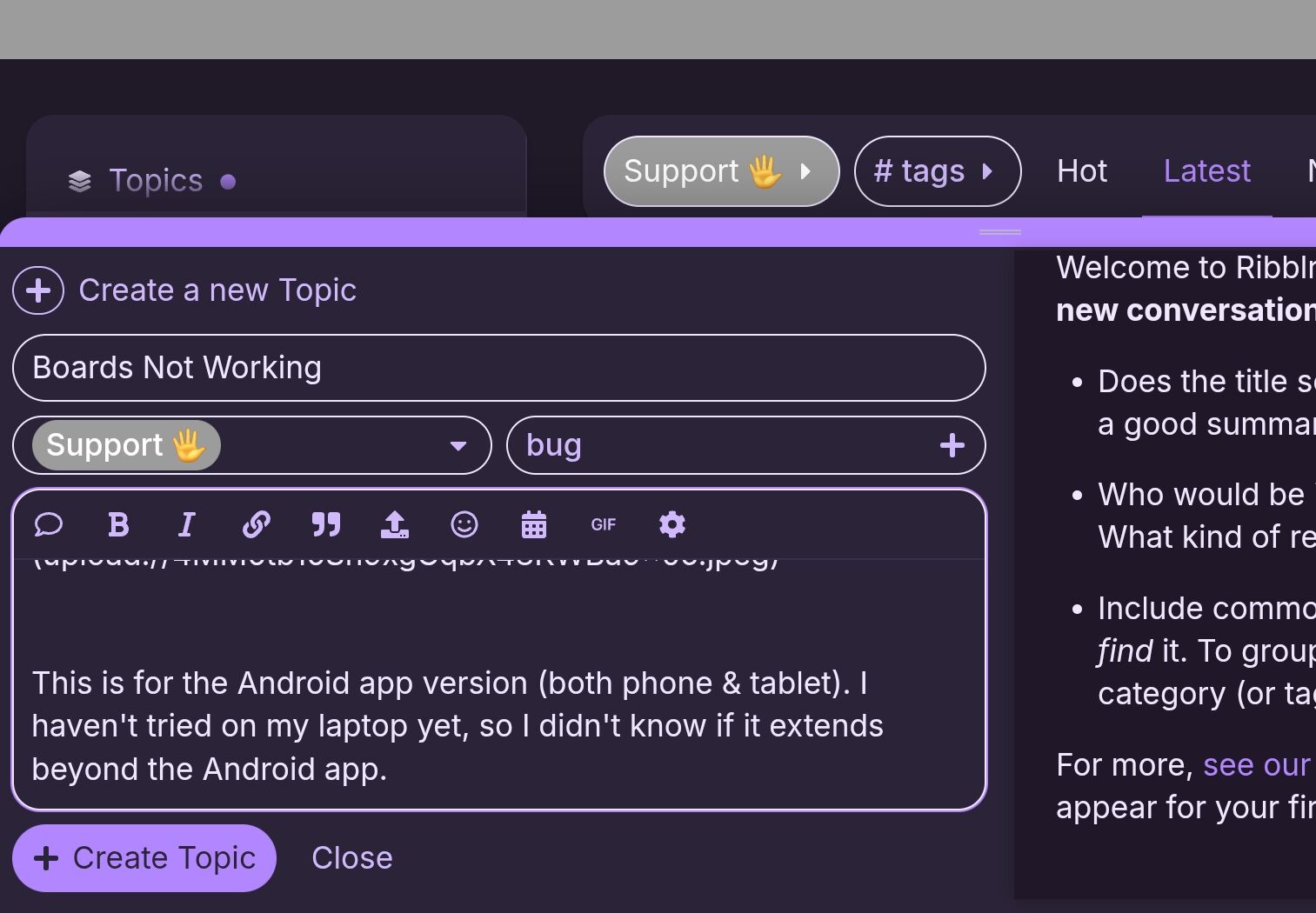
Oh, also, I just discovered that the portrait orientation cuts off the bottom of the “create topic” window. I have to turn my tablet/phone to landscape to see them.
This is for the Android app version (both phone & tablet). I haven’t tried on my laptop yet, so I didn’t know if it extends beyond the Android app.