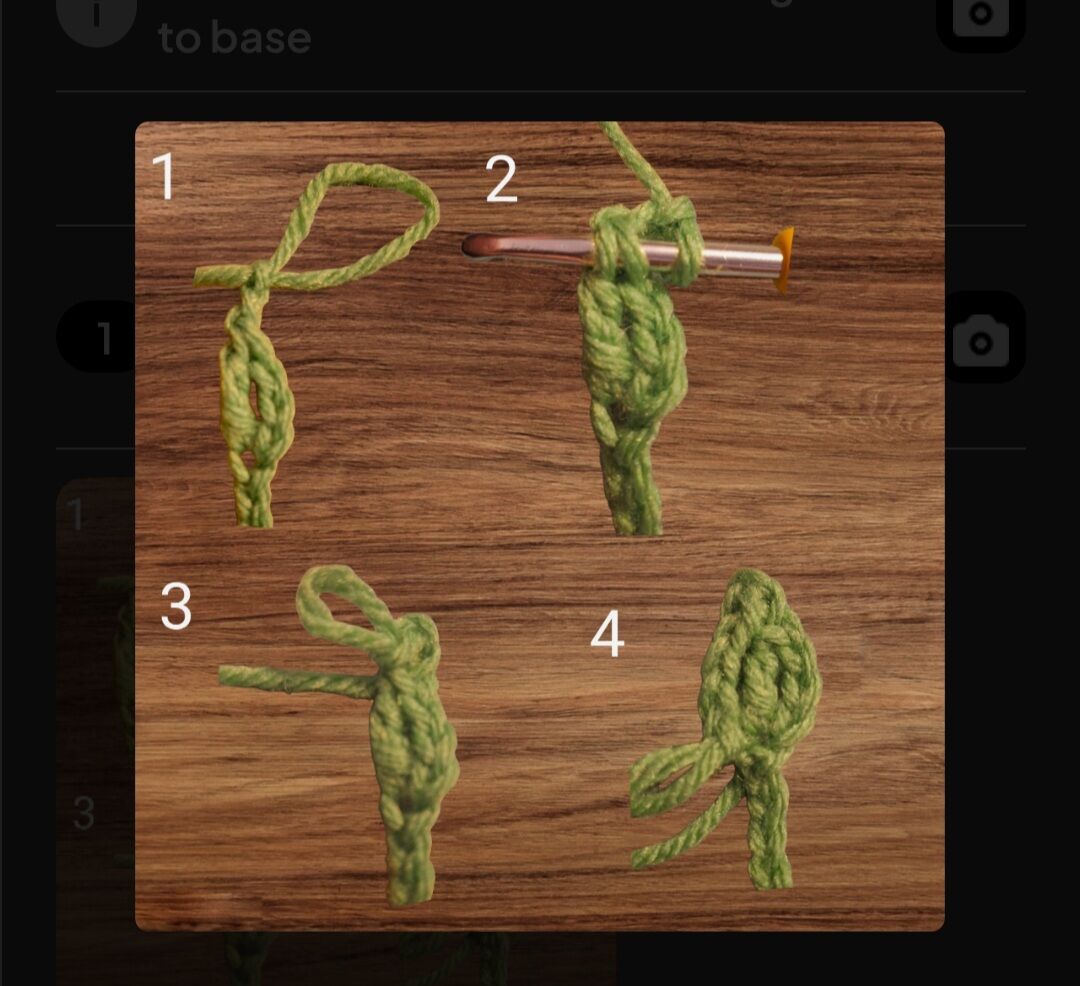
I am currently writing a new pattern for my shop, and I want to add two pictures to the same line, but any time I add the second picture it deletes the first. Is it possible to add both of these pictures?
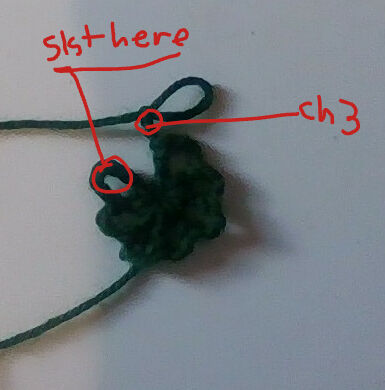
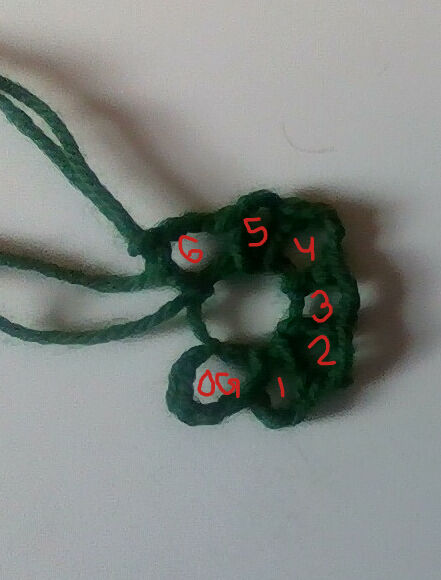
The pictures I want to add
I know these pictures aren’t very clear, I did my best with my computer camera as I don’t have any other options.
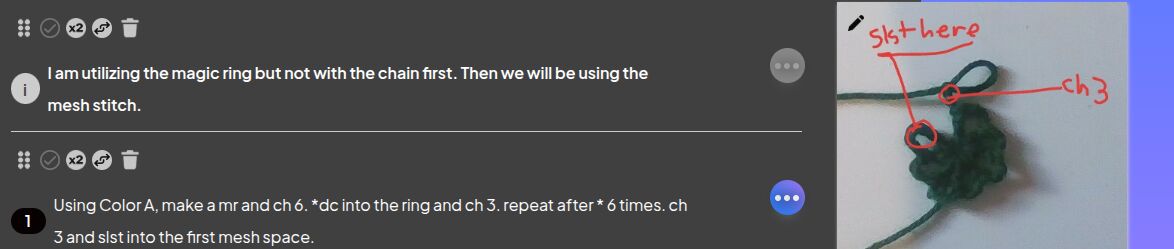
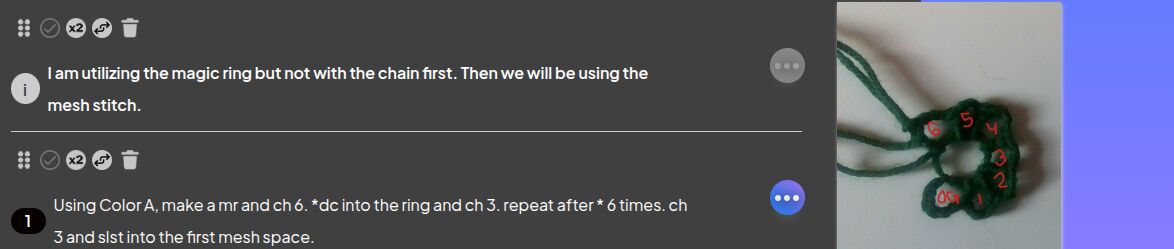
Because I cannot attach a screen recording of what I did, I will explain very plainly what I did in case this will help diagnose the issue:
Step 1: In row #1 of my pattern, I press the media button, then I press add photo/video
Step 2: I add my first photo
Step 3: I go back and repeat step 1
Step 4: I add my second photo
Step 5: I go back and find that my first photo is gone and was replaced by the second.
I looked through the help center on here and I couldn’t find anything that was helpful to my issue. Does anyone know what I’m doing wrong or what the issue is?
Currently you cannot add more than one piece of media to a line. You will have to separate it into separate lines. What I would do is add a line below and make it a note that says photo of where to sl st at the end of R1.
I have also used the collage function on my phone to put 2 or more photos together and even used the PhotoRoom app to add multiple photos together
Here is an example of something I’ve done in one of my own patterns using PhotoRoom