
Hi, so I’m hosting my first tester call (I’ts closed already) but I can’t figure out how to edit the post to make it say “closed”….please help me out ^^
11 Likes
Where the title is there should be a little pencil. Click that and you can edit the title of you post to say [closed]
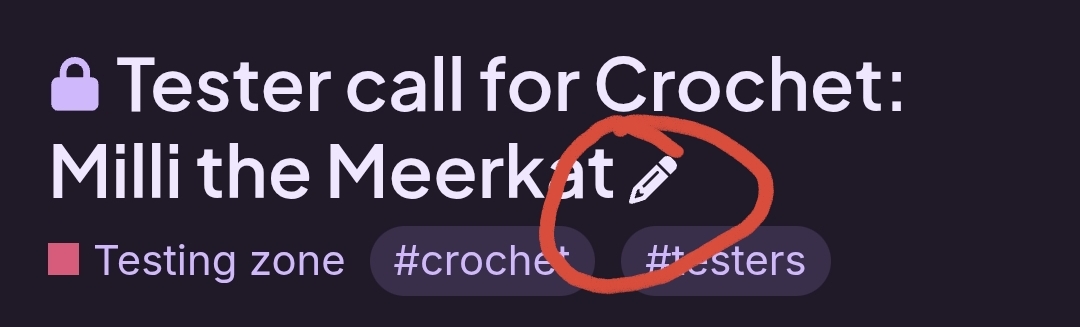
Here is what it looks like for me
8 Likes
thank you so much, but there Is no little pencil 
5 Likes
That’s probably due to your level on Ribblr. Higher levels can edit the title of others’ posts due to moderation and clarity issues.
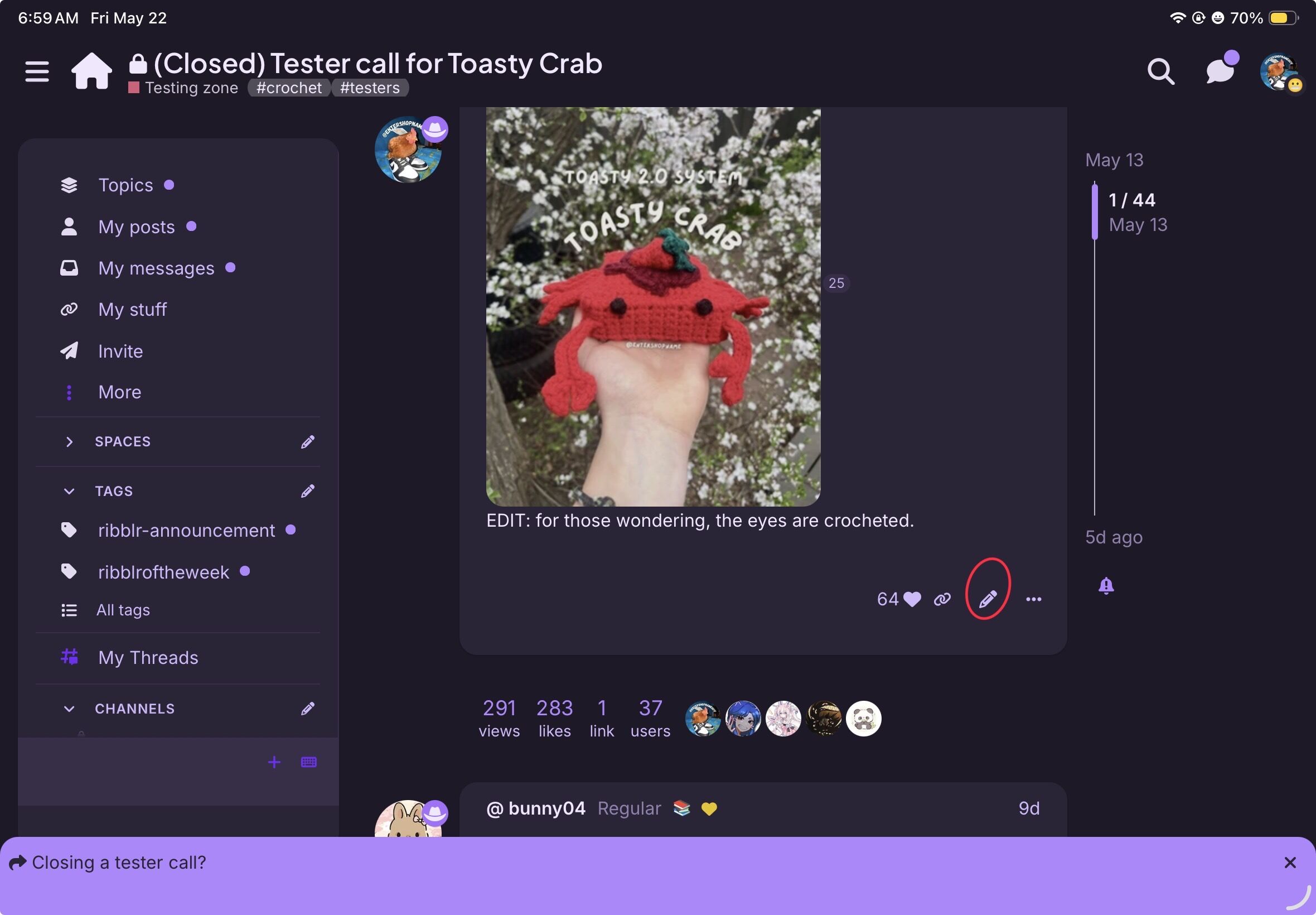
Click the edit photo and scroll to the top and you should be able to edit the title.
3 Likes
I’ve seen newer users be unable to edit their posts before, not entirely sure why. If you can’t edit it, post @ leaders (no space) and they will close the topic for you =) a member with triad status (the cowboy hat) can also edit the title for you
3 Likes
I edited the title for you if it helps =)
To close a tester call you can type in @ Leaders and one of them will come and close it!
1 Like
That closes the comment section, but closed in the title closes the ability to apply for the test (I believe that is the way it goes )
)