
can any one tell me how to do the is too???
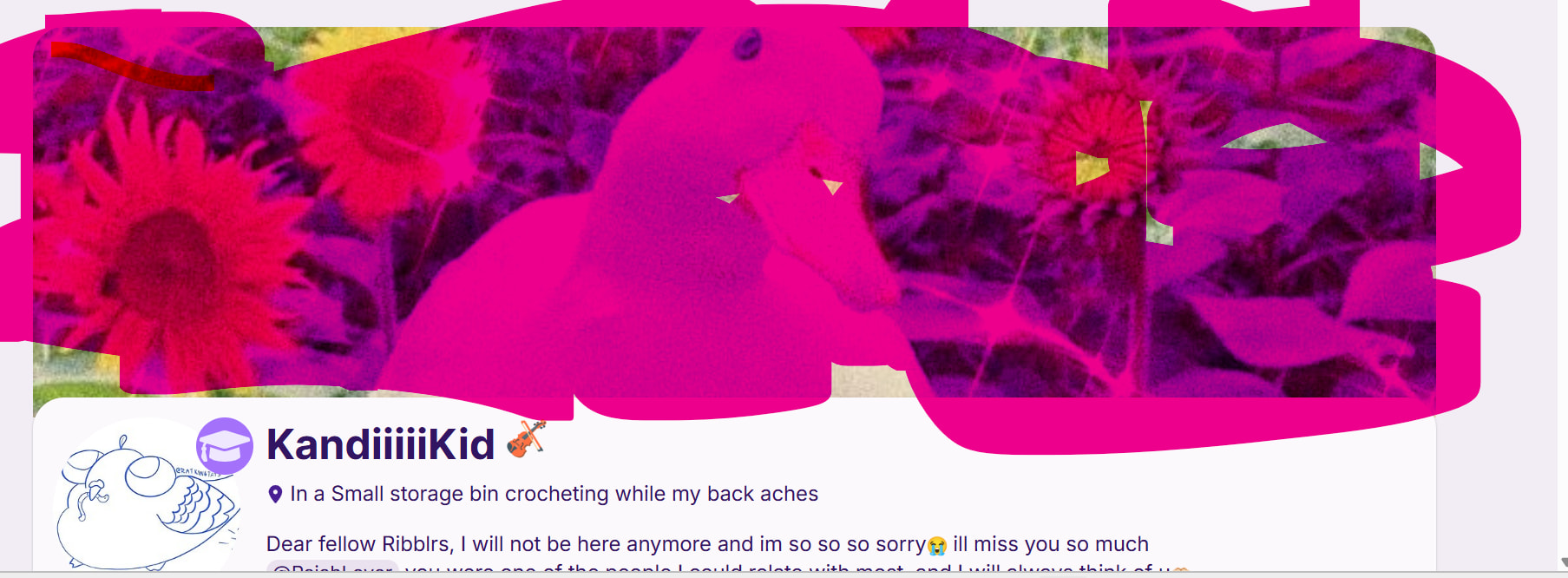
Add a profile header?
YAS
i think :P
IDK what it’s called
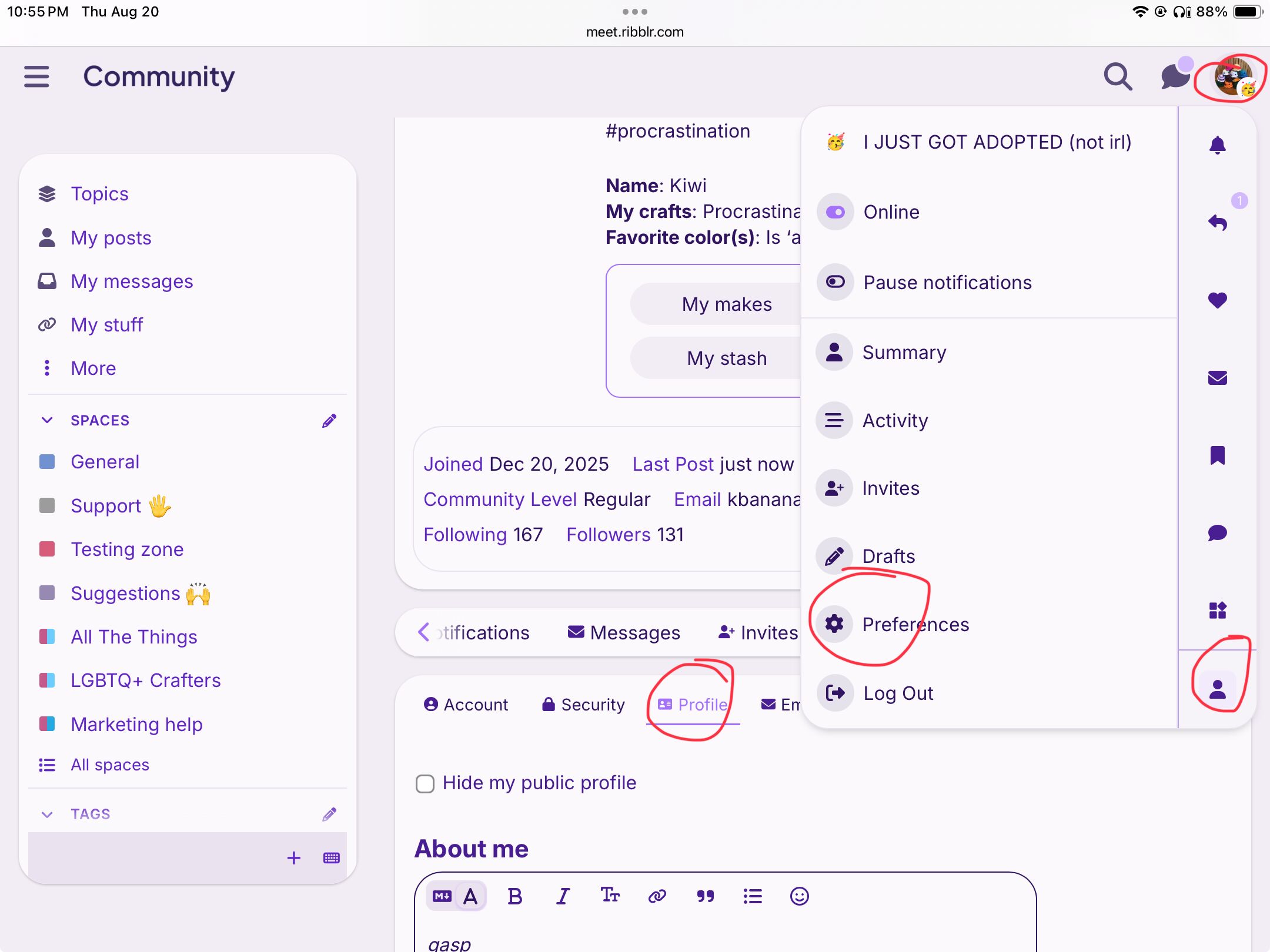
- Click your profile picture at the top corner of the page.
- Click the person icon at the bottom of the menu.
- Select Preferences.
- Go to the Profile tab.
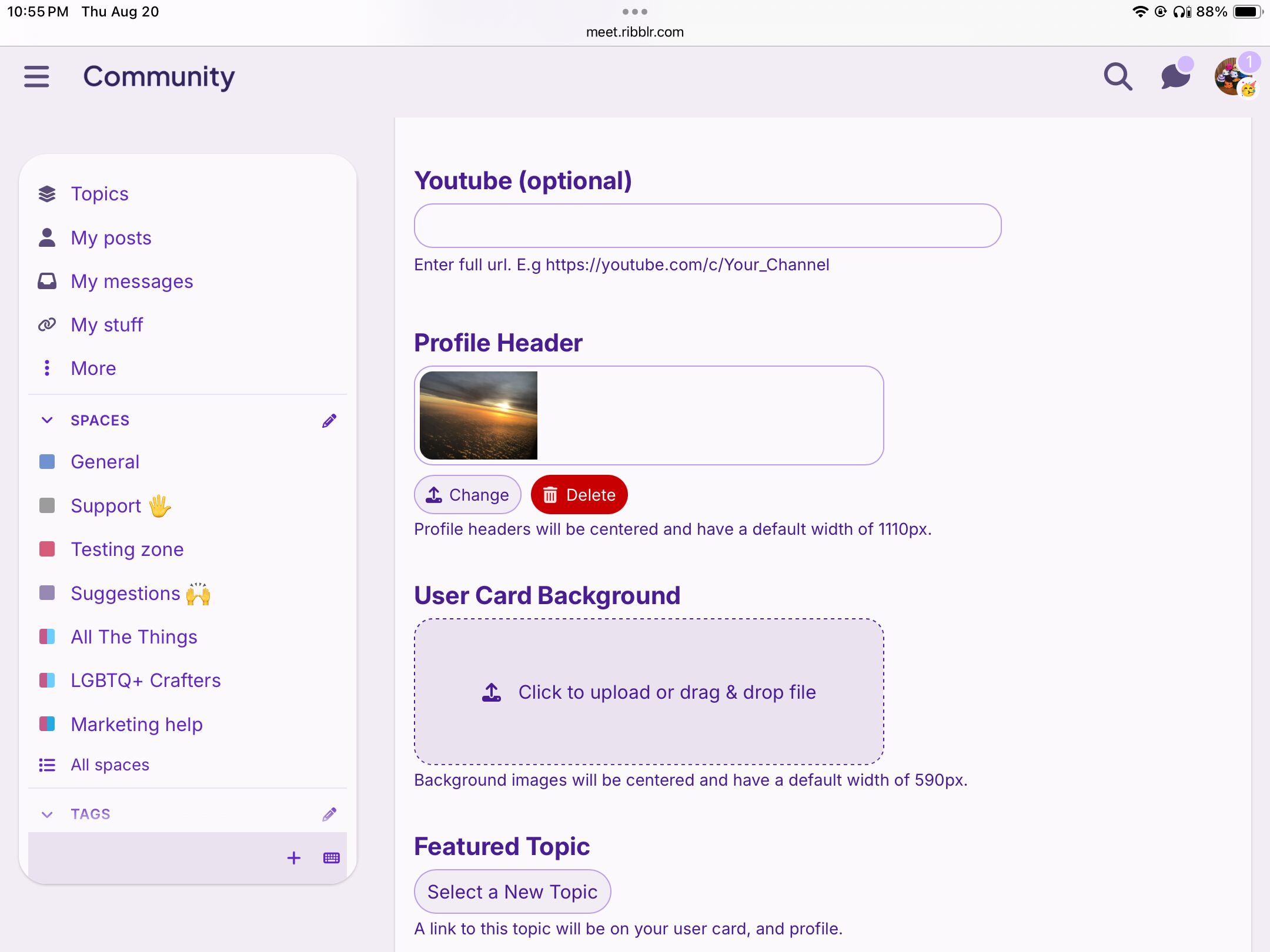
- Scroll down to find the option for the Profile Header and upload your image.
- Save your changes.

Yay!
TYSM!!
You’re welcome 