
How does this tester thing work i would like to do it, but I don’t know how it works
ok! what would you like to know about testers? how to run one or apply for one? x
Apply for one
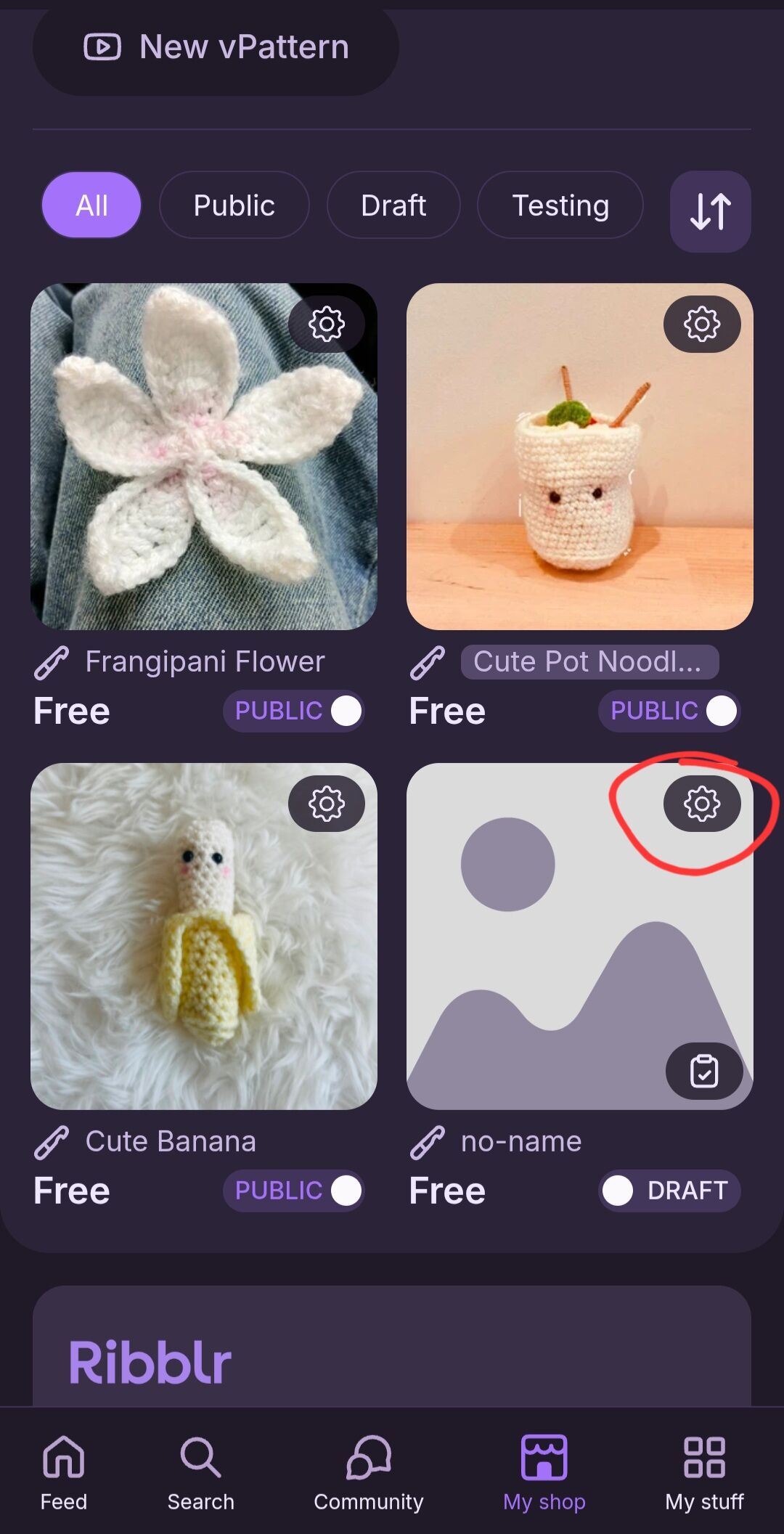
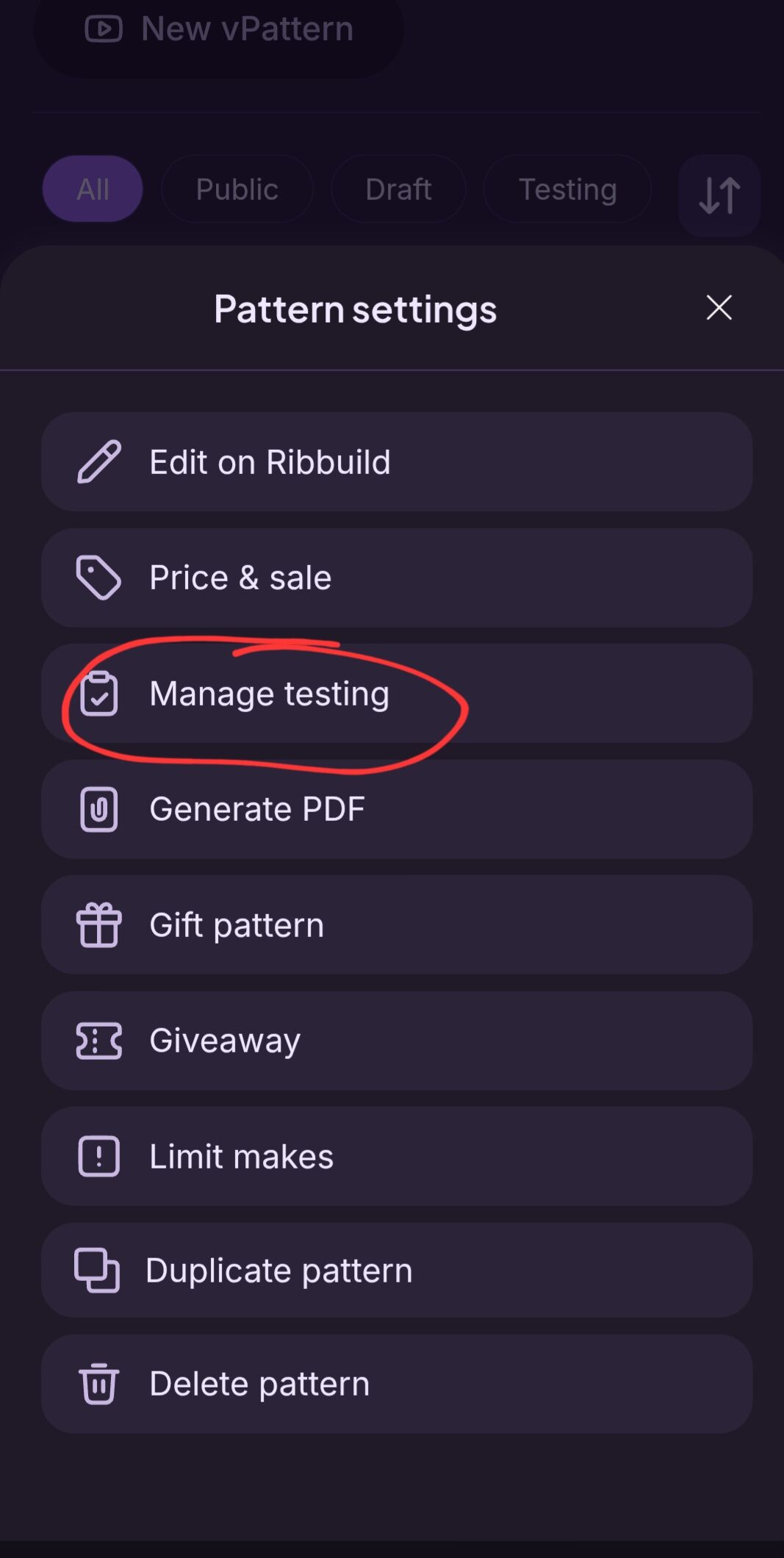


oh sorry!! OK, ignore all that 
ok, there is normally a photo of the pattern you want to test on a tester call, just click on that xx
So after that, it’ll give me the pattern. And I make their pattern right?And I post a picture of it
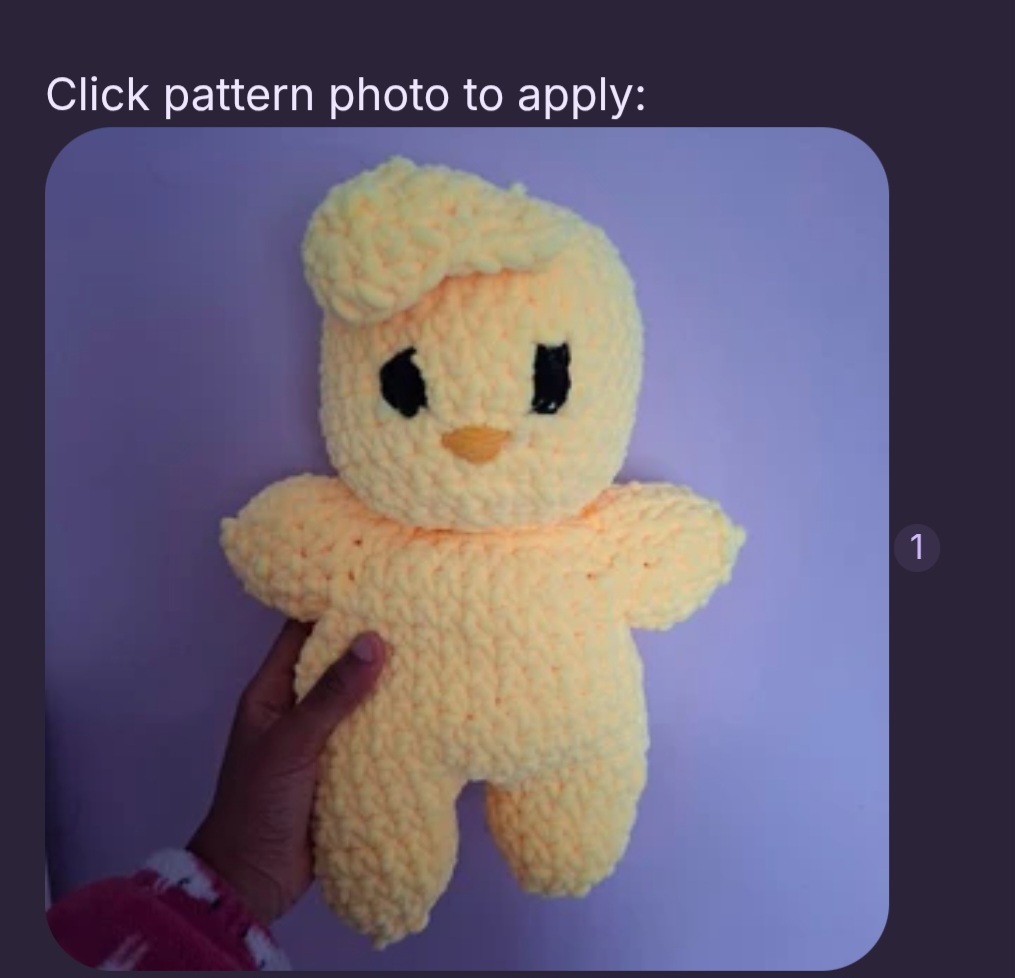
To apply, ypu just open the testing post, and read the requirements, if you beleoce you meet all of those, you just click the photo and it will take ypu to theor shopwith a pop up asking if you would like to apply to test, you click yes, then the pattern will be in ypur testing library if and when the accepts you into testing
Ok cool thanks yall
Yup!
your welcome! xx
If you want you can test one of my new patterns, its a little jellyfish
Ok Kool ill definitely give it a try 
K, I’ll add u
The due take is july 27, but I can give extensions
You should be able just to click the link
Ok sweet
I want to add, as a designer, that I encourage you to read someone’s full tester call post! A lot of designers will ask for certain things and want a response in the tester-call comments section (like which yarn, hook size, etc). Some do something that may seem silly and ask you to post a certain emoticon just to make sure you’ve read the full tester-call post, because at the end of the day people want testers who are willing to follow basic directions since testing is about doing that, and not just getting a free pattern.
 I hope you get to enjoy lots of tests here on Ribblr!
I moved this to support. Make sure to mark the post that helped you as the ‘ solution’ :)
I finished it 