
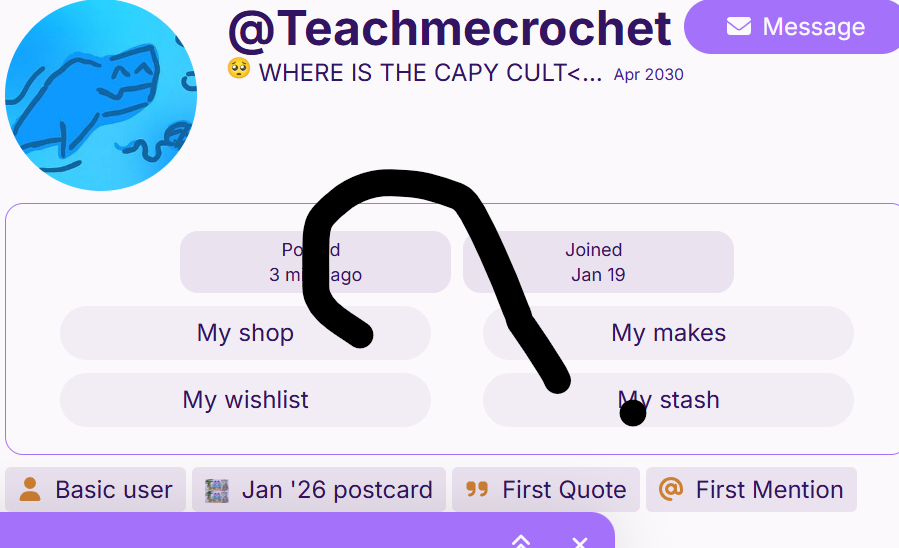
Hiiii, im still new here, some people know me …. but i have a question .. how do you do that little writing and that bg image when someone selects your profile..
like that lemon bg and that words and mine has nothing, IDK HOW TO ADD IT!!!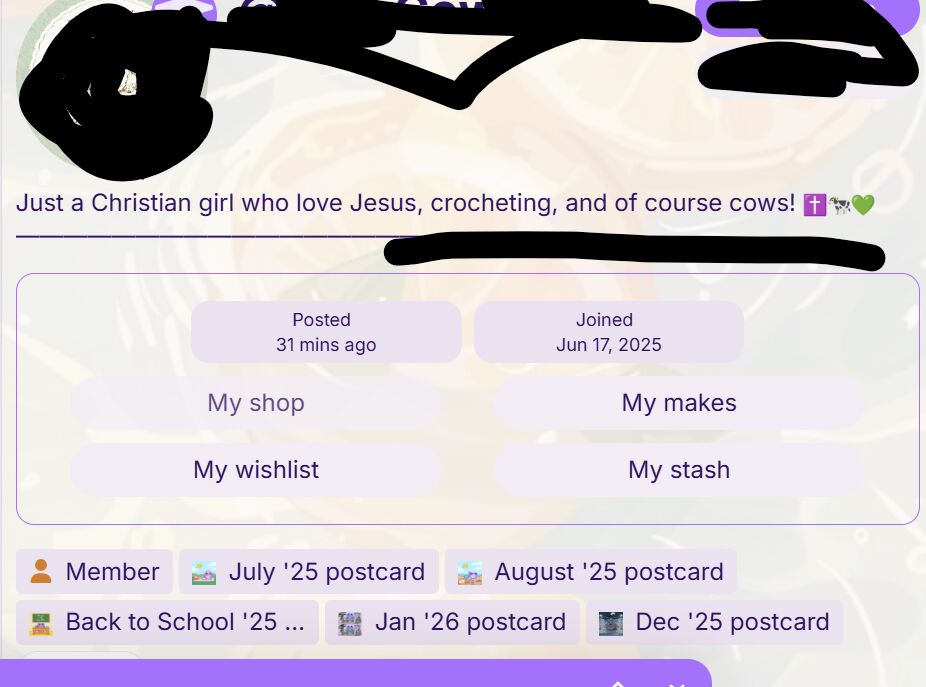
9 Likes
and sometimes its a gif
5 Likes
Click on your profile picture at the top corner, then the little person icon at the bottom, then “summary”, then “Preferences”, then “profile”, the you’ll find options to add a profile description, and if you scroll down, you can add a card background and a header!

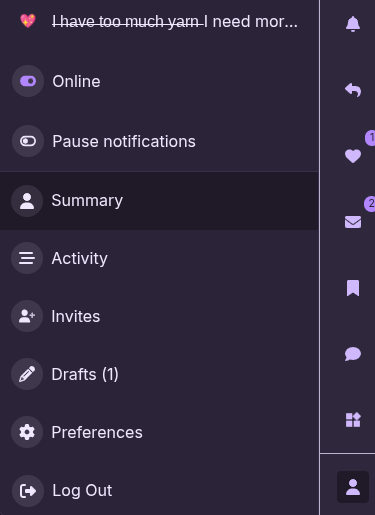
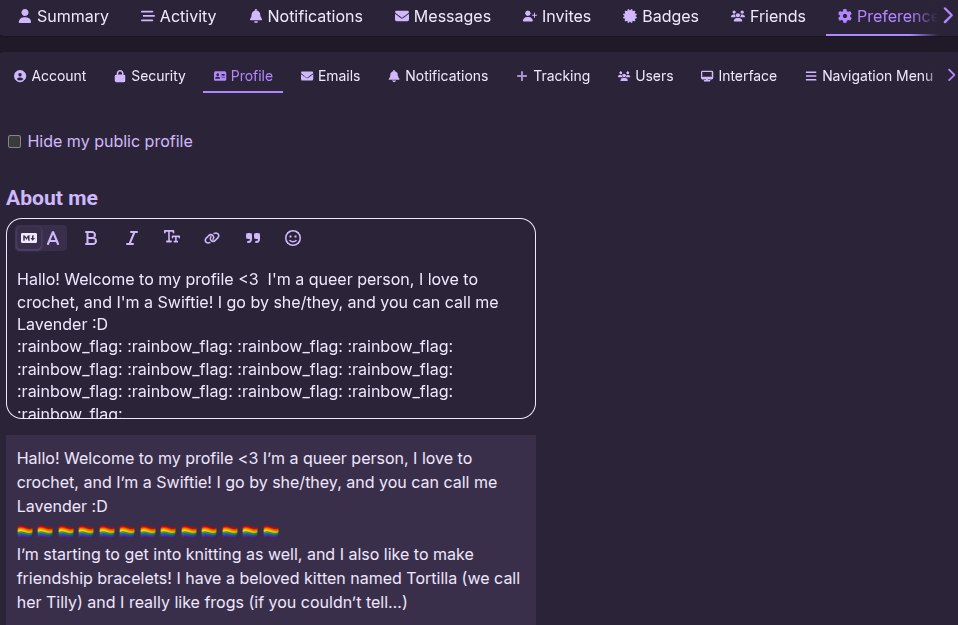
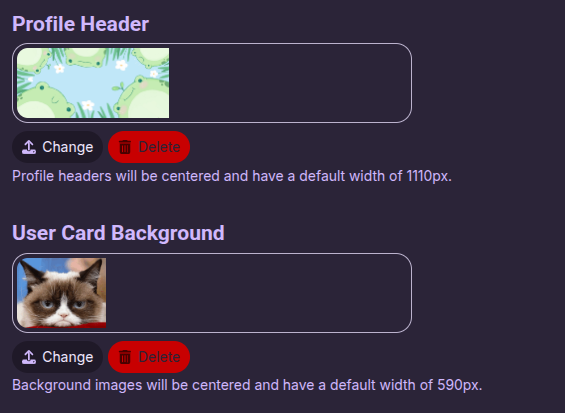
Hope this helps :)
9 Likes
Hii I am the creator of the Capy cult! You can dm me about it 
7 Likes
but i literally have no idea how to DM!
3 Likes
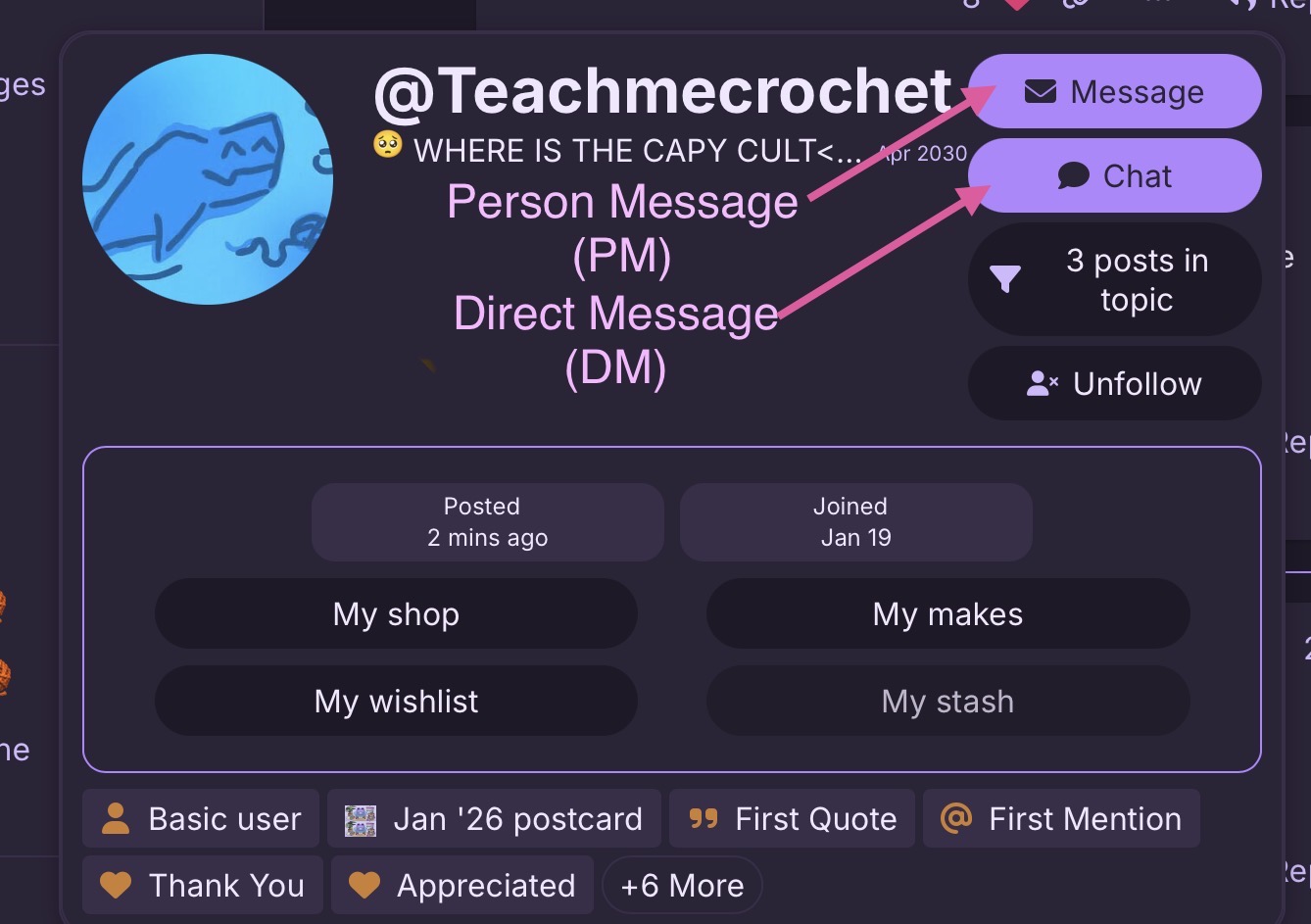
Remember to mark a post as solution if it is solved! 
3 Likes
how do i do that ( remember, still a bigginer ) :3
3 Likes
find the reply you think solved it, and it should have the word solution. click that and it should go green
2 Likes
this one is also the solution but i can only pick one …. thanks everyone
3 Likes
…but I was the one that had the solution to the problem listed in the first post (I don’t actually care that much, just pointing this out!)
2 Likes
give it to the person who FIRST solved it .