
My devices (iPad, iPhone, windows) don’t have the heart icon to follow a shop. What do I do? (I am using the website)
That’s strange, do you happen to have a screenshot of a shop?
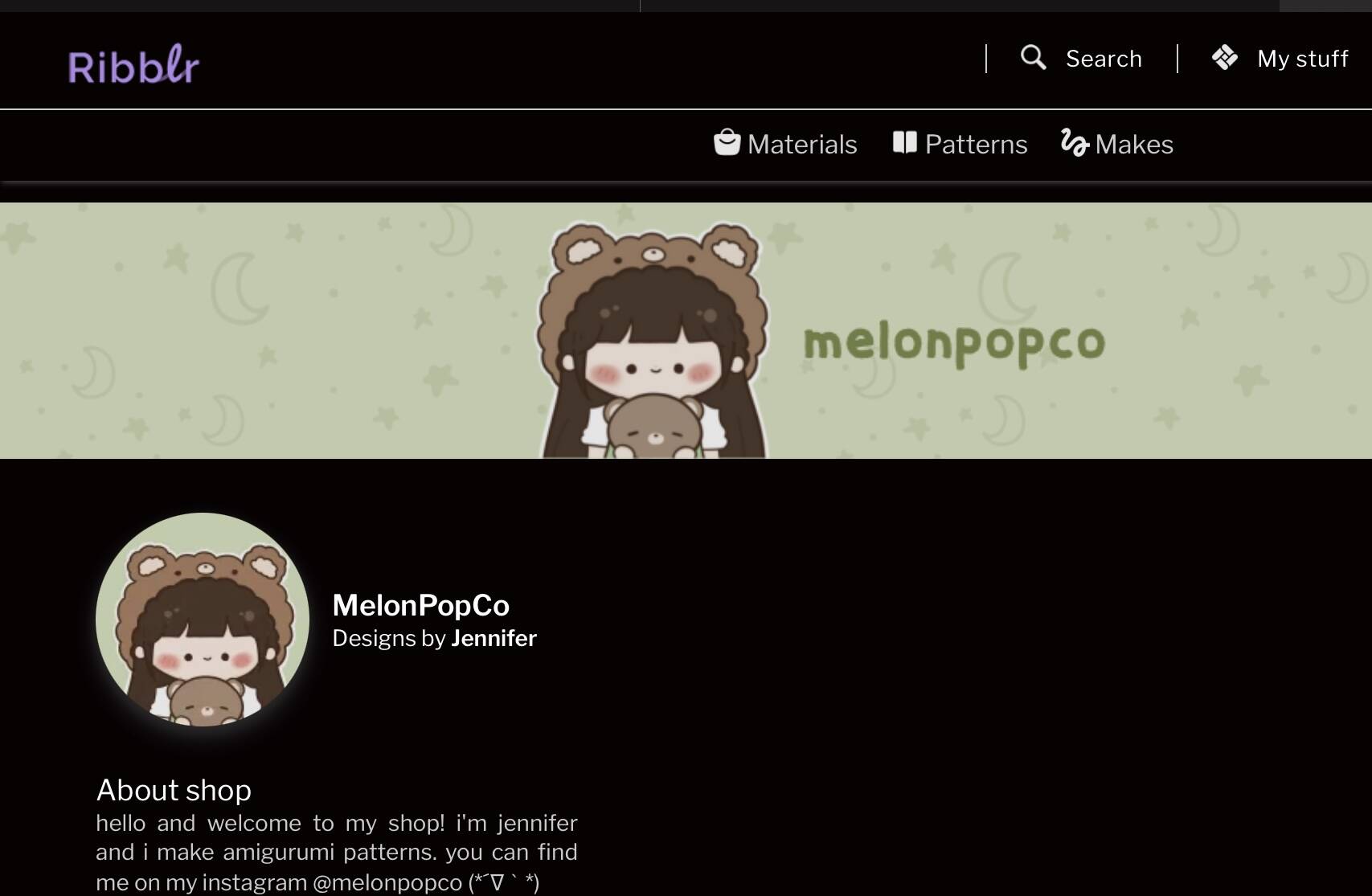
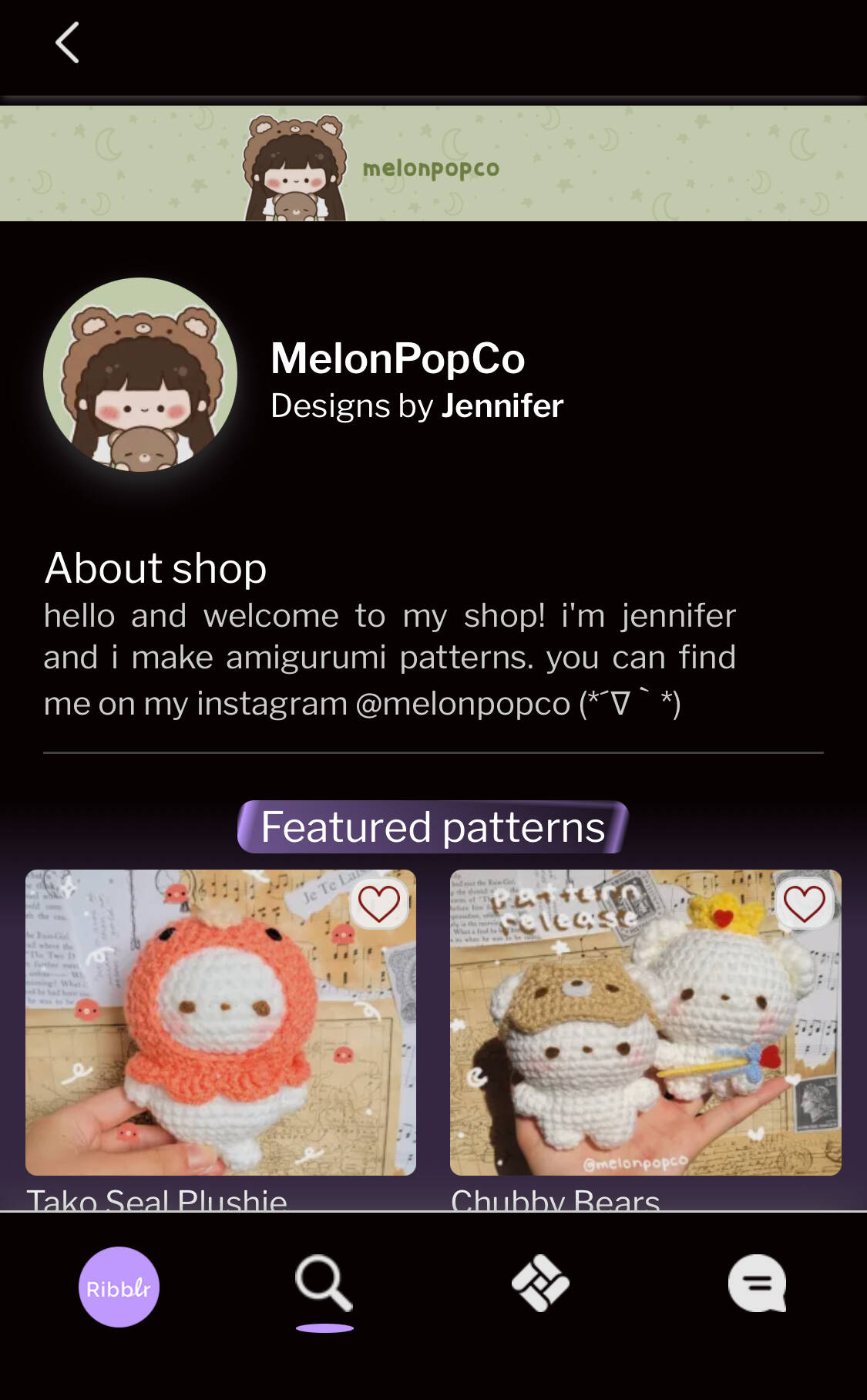

Lucky I’m so desperate
Hi there! Might be a silly question but sure you sure you are logged in?
Yes
Could you please send us a video grab?
You can send us a link to Google or Apple photos in private or upload it to imgur.
To take a video of your screen on iPhone please pull from the top right and then hit the record button.
Idk if I am late, but let me see if I can help!
1 -try turning your phone to the landscape veiw, so on the side.
2- Try clicking where the follow heart would be, so on the top, or beside the shop logo.
3 - you probably already tried this, but reload the page while on the shop, and try 1, or 2.
Hopefully one of the suggestions helped <3
Hi,
I know this is an older thread but I’m having the same issue on google chrome, I have just joined. I don’t believe I saw a limitation for new users to follow shops, if there is my bad! I don’t have enough space on my phone/tablet for a new app at the moment and am using my computer (Windows 11, chrome browser). I’ll attach a photo:
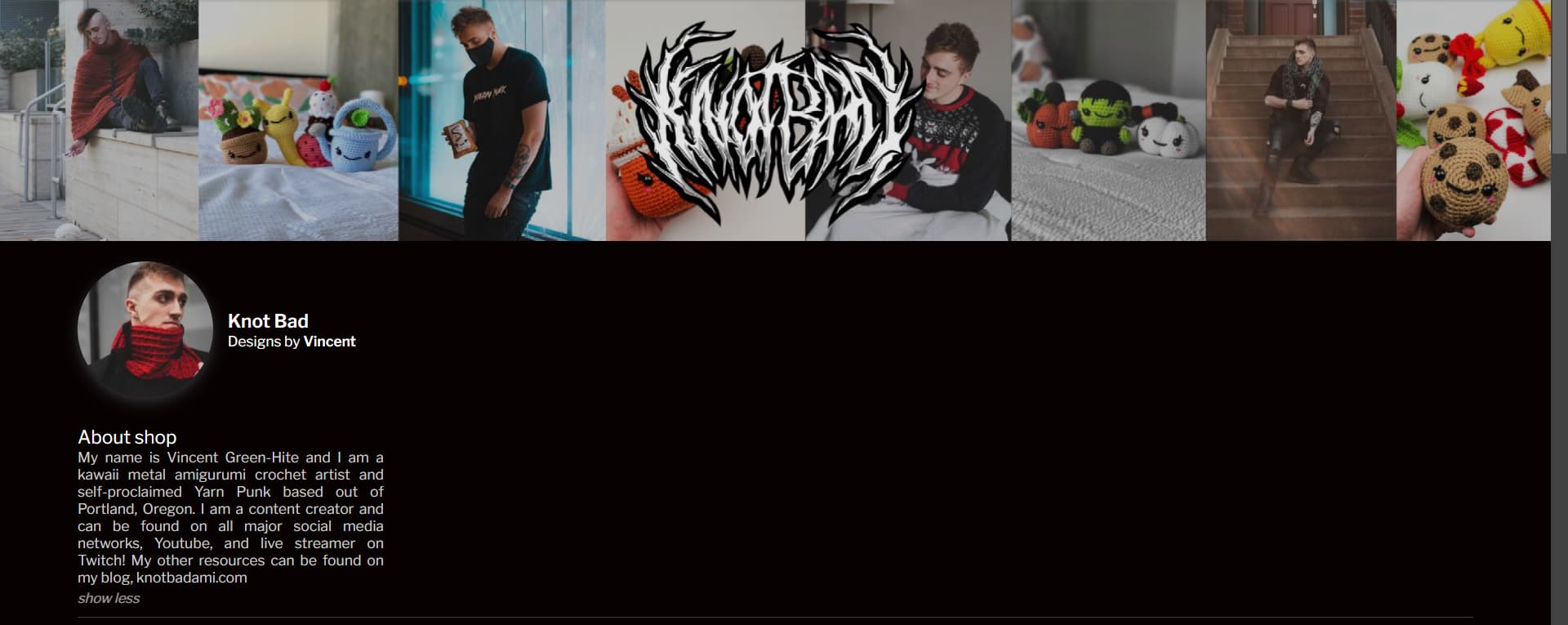
From other screenshots, the follow should be on the top right?
Thanks in advance 
Are you logged in? Make sure you’re not in incognito mode.
Please DM us if you need more help.