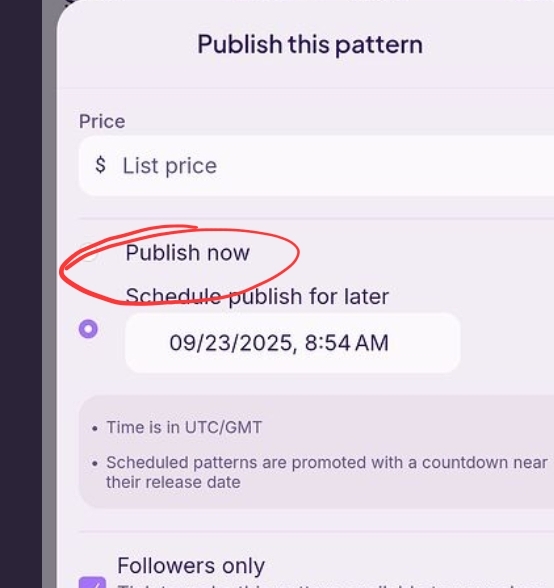
I hope I’m not putting anything sensitive on here but it’s keeps saying bad release date ? What does this mean and how do I fix it?
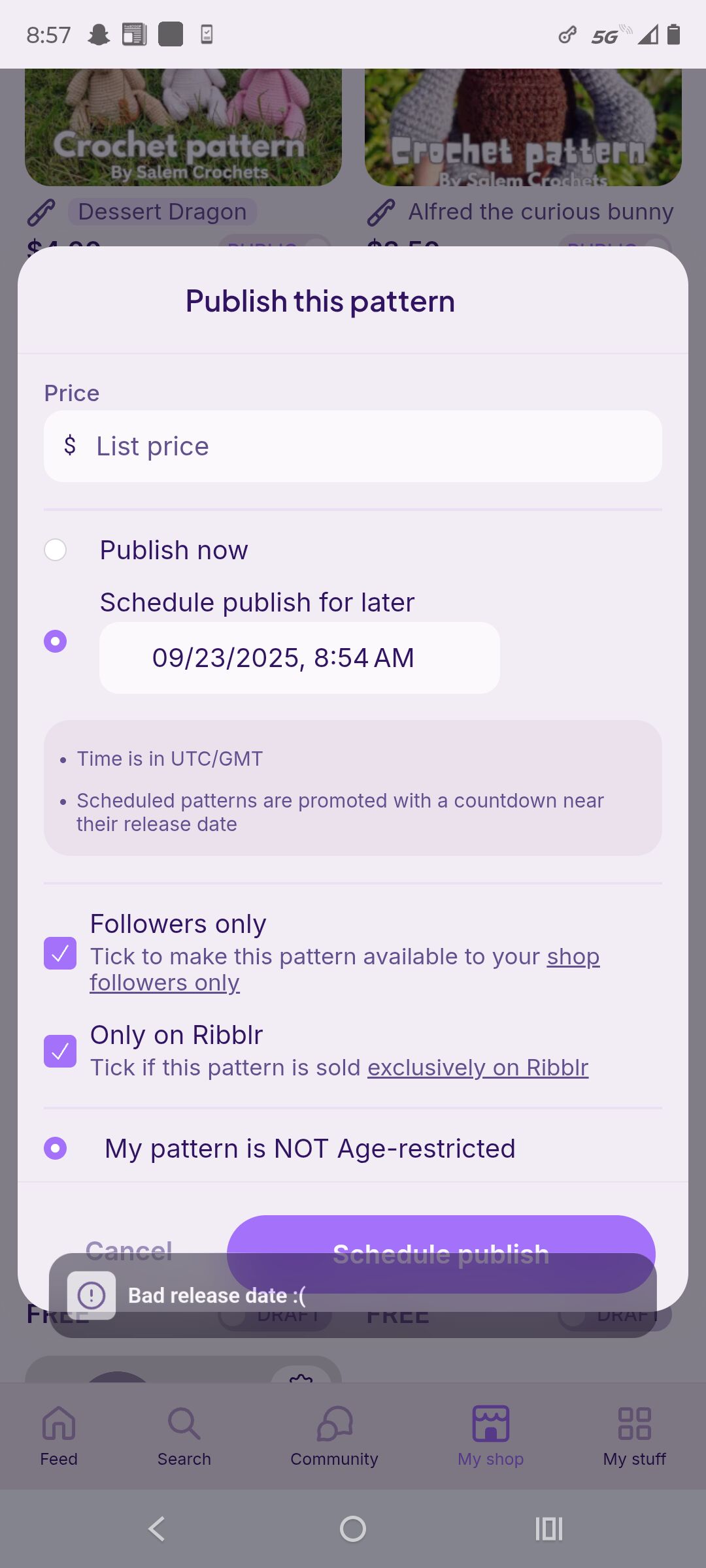
EDIT: I have tried to change the date but it still says the same thing?

I hope I’m not putting anything sensitive on here but it’s keeps saying bad release date ? What does this mean and how do I fix it?
That’s annoying. I’ve had all troubles with scheduling publishes. U either have to manually publish it, or u can try to duplicate the pattern and try again, but if there r any journals, they will not transfer.
Maybe make the release time 9? Or log out and back in
If u have journals and u really want to schedule a release, possibly contacting Ribblr could help.
It’s in utc. Not your time zone so make sure you’re converting. Right now it’s about 2pm utc on 9/23 I believe
Sorry 1pm utc 9/23
If you just want it to release now, just use the option above it instead of scheduling
So it’s 9 am here? So what would I cause it to?
Yes! I will try this !
What?! I’ve never had a problem but I’ve also never posted a release this early (it’s 9am here)
Are you needing to delay it for some reason? Cause you’re scheduling it to your time right now so it would release right away anyways. So just change to the publish now option and you don’t need to worry about converting the time
I didn’t even notice until, well now , thank you  I’ve never done the the scheduled posting but I do wonder why it wouldnt work?
Because you have to do it in utc time. So you would’ve needed to put it at 9/23 after 1pm because right now it’s 1:17pm UTC. You can’t ‘publish later’ and it be in the past so it errors out. Next time just Google utc time and it will tell you what that is right now and you can add how ever many hours/days you want to add for publishing and that’s the time/date you would put
That makes perfect and I feel silly now.. Thank you so much