Two weeks ago, we asked whether you’d like more post reactions on the community.
94% of you voted yes! 
(see post → Do you want more post reactions? vote! 🗳️)
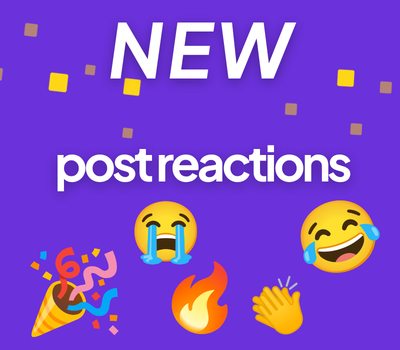
So today, we’re excited to introduce Post Reactions!
The  heart will remain the default way to like a post, but you can now choose from several additional reactions when responding to posts across the community. We’ve included some of the most requested reactions from your suggestions!
How do I use reactions?
On mobile just press and hold the heart icon, and on desktop simply hover over the icon.
A simple click or tap will still add a normal heart like, just as before.
Reaction count will appear next to each post, showing how many and which reactions received.
Additional info
All reactions count the same as a like and will contribute toward:
Ready to try them out?
Go ahead and use this post to test our brand-new reactions! 
P.S
in case you missed it… we’ve also added Ribbot emojis! Tap on the emoji icon and scroll down to find it. Or check this out:




 )
)