Hi.
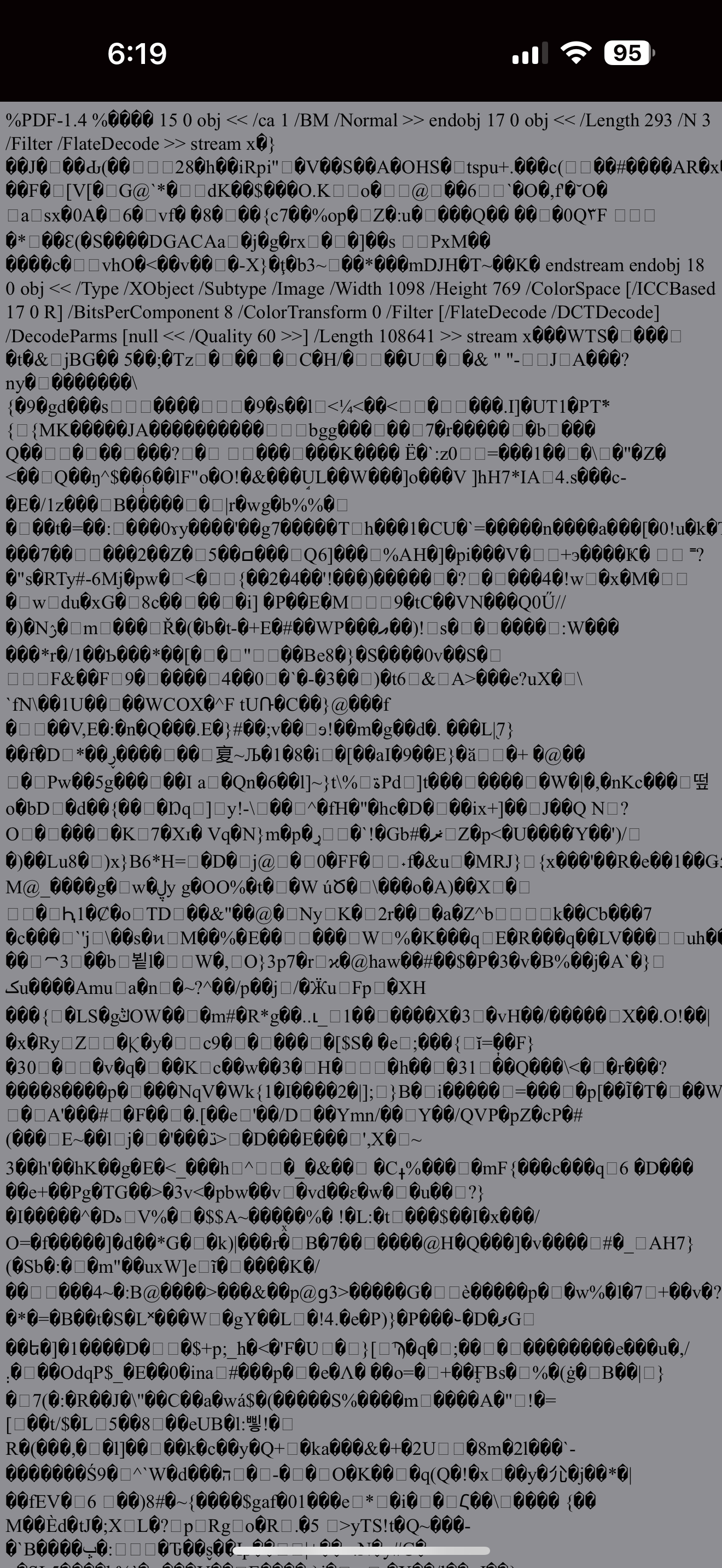
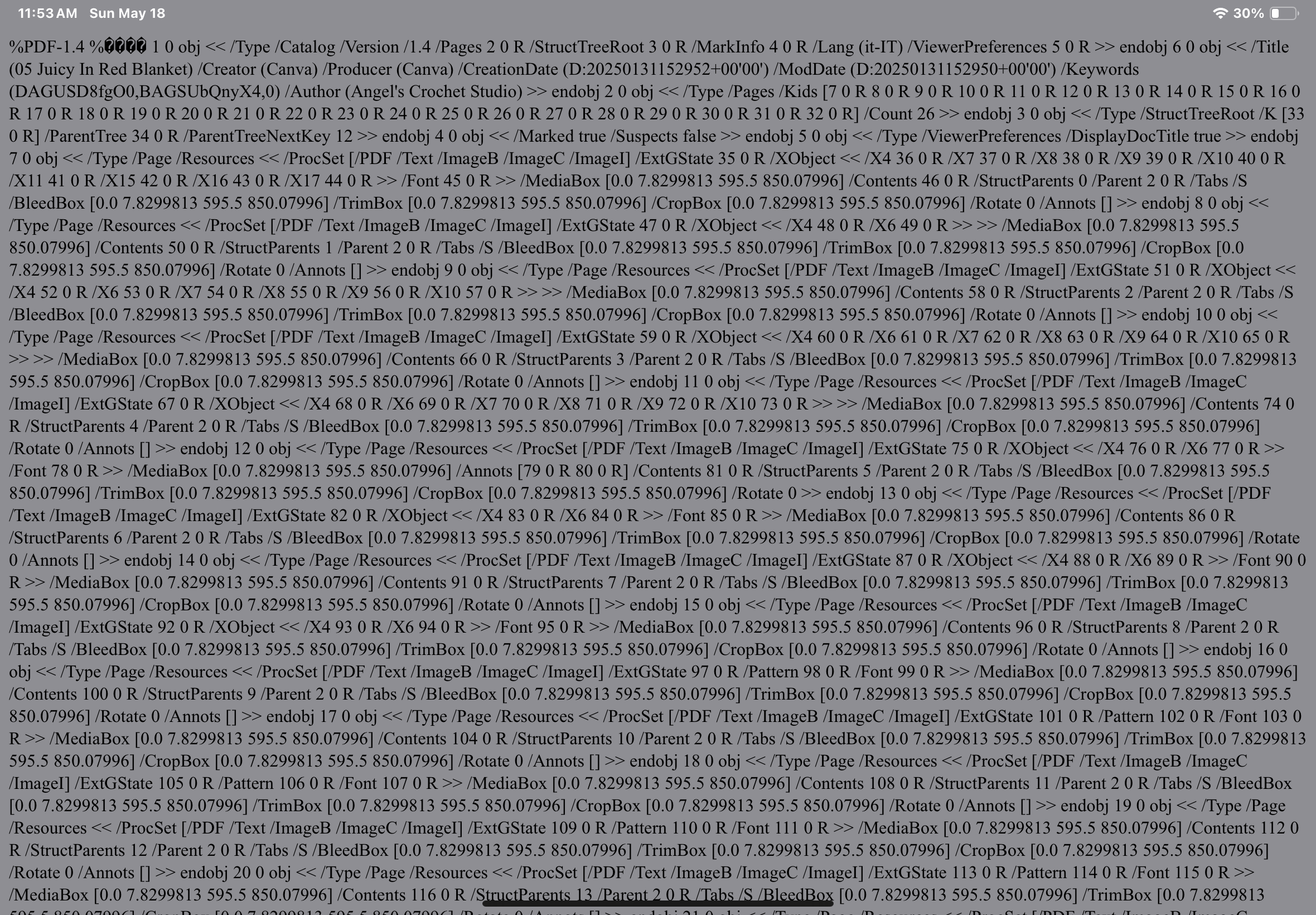
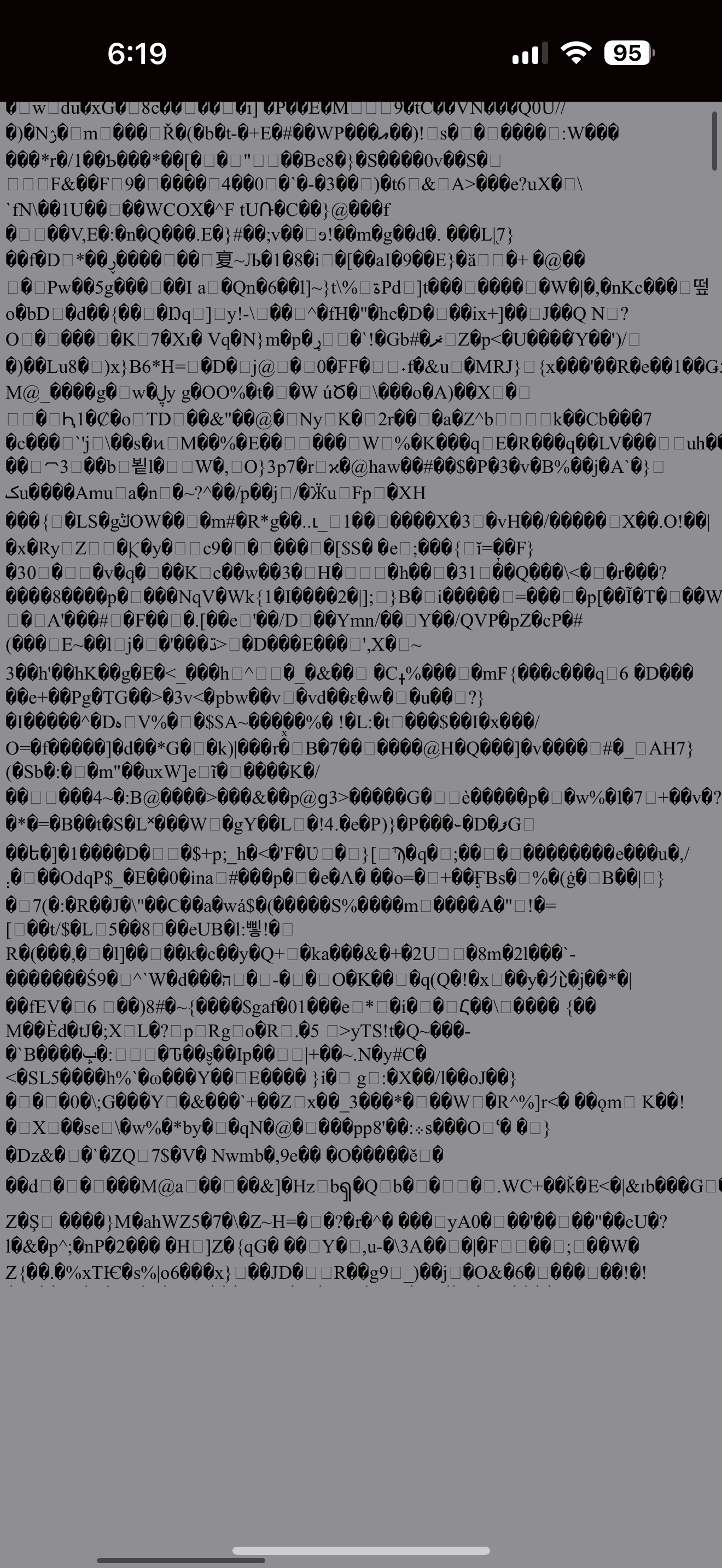
I’ve purchased some patterns today from 3 different members. The pdf files from two arent opening right. The third worked like it should. I’ve tried using my mobile app and the main website with the same results.
I have screenshots that I’ll try and figure out how to post.
Can you import PDFs into your patterns? I don’twant to translate it to a Ribbuild pattern just add patterns I own. Thought I’d be able to do this since I got the platinum membership.
I’m trying to open a link to a pdf that some designers include. I can send more screenshots if that would help? My problem is actually happening to any and all regardless of designer.
I tried making adjustments to my iPhone mobile settings. Also a new system update was available so I did that too. I took the ribblr ios app and deactivated it to clear temp files and also reinstalled it fresh.
In Safari and Chrome, I hoped it was a mobile app problem. It’s universal.
I fiddled with browser extension settings on and off Adobe for example. I also carry pdfelement and I tried putting that out of the loop.
If you have a grenade handy, I’m still new enough that blowing my account away wouldn’t be a huge heart ache. Although I have become addicted to
exploring and adding patterns to my library. That’s not too big a deal.
I guess what I’m trying to say is even if it’s a last resort, my personal feeling would be to wipe out my account start a fresh one so that I can have access to the embedded PDF files. Being able to print those out is a huge benefit and one that I totally want to be able to do.
Let me know what I can do to help out. Again I am not uploading anything. I’m simply trying to open and view the PDF files that designers will embed in their patterns so that people like me can print them out. I was able to print out a pattern from another designer once, one time, and even his open in programming mode.