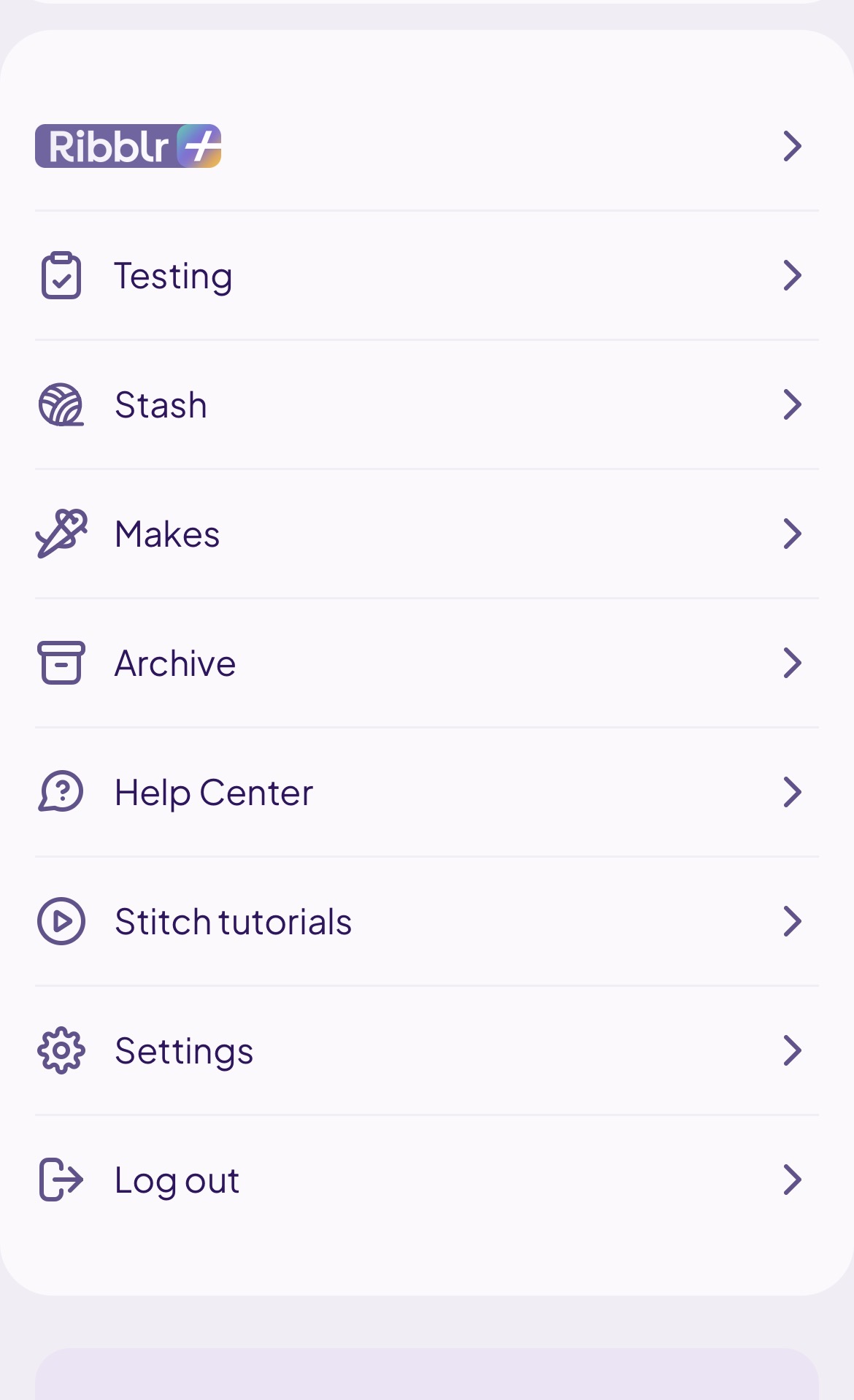
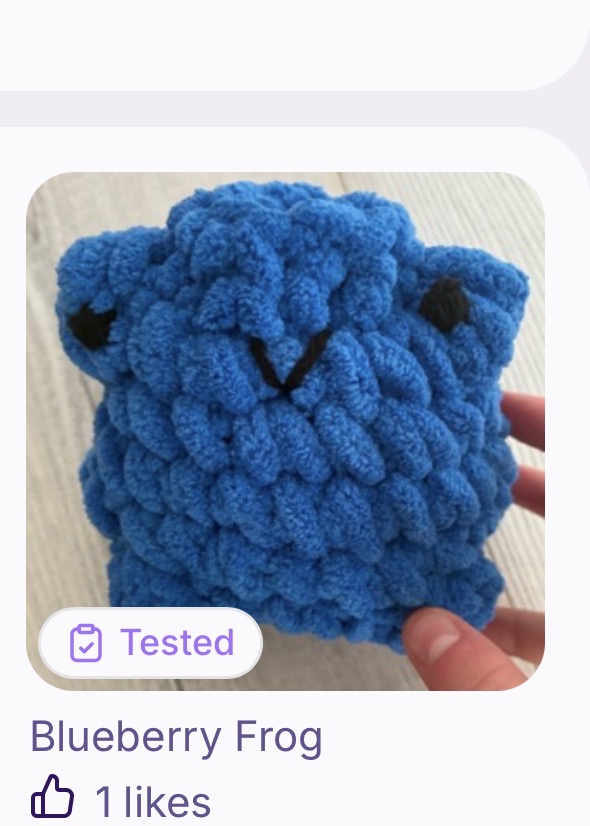
how to post testing journal? I can’t figure it out… it’s my first time.
10 Likes
you can post your journal when you are still in the progress of making your piece by pressing journal, or when you are finished you can submit a review which will go to your journal i think….
5 Likes
At the end of the pattern, look for this…
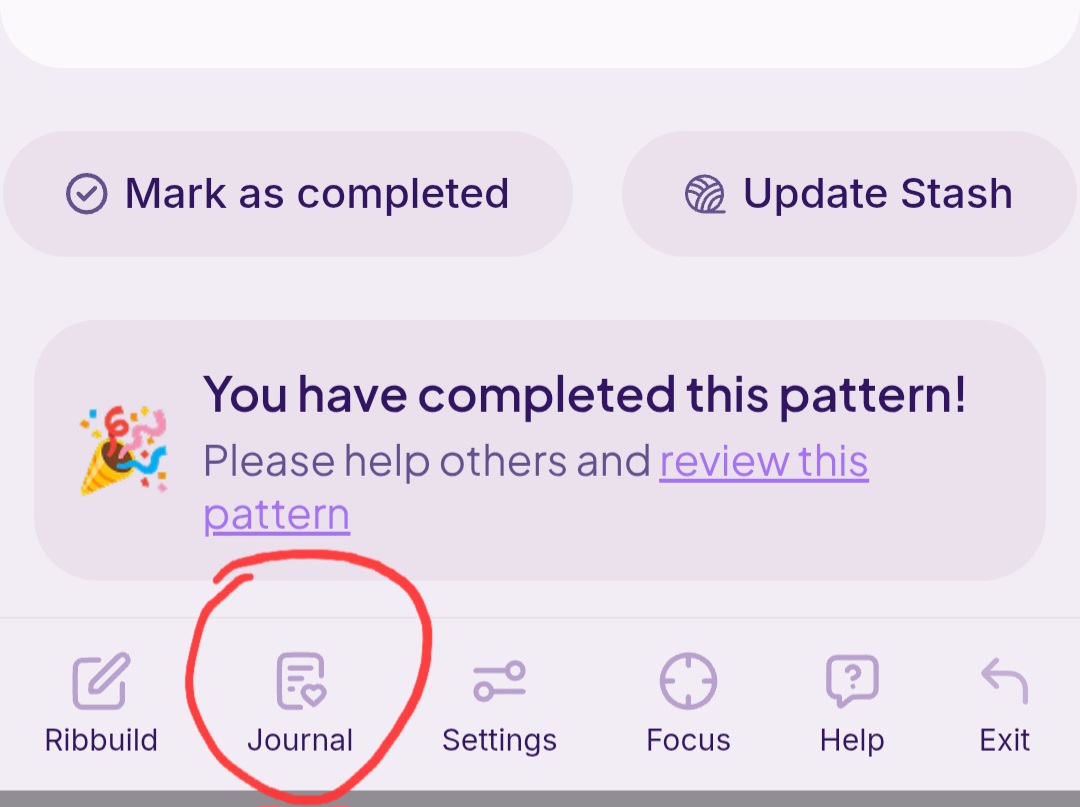
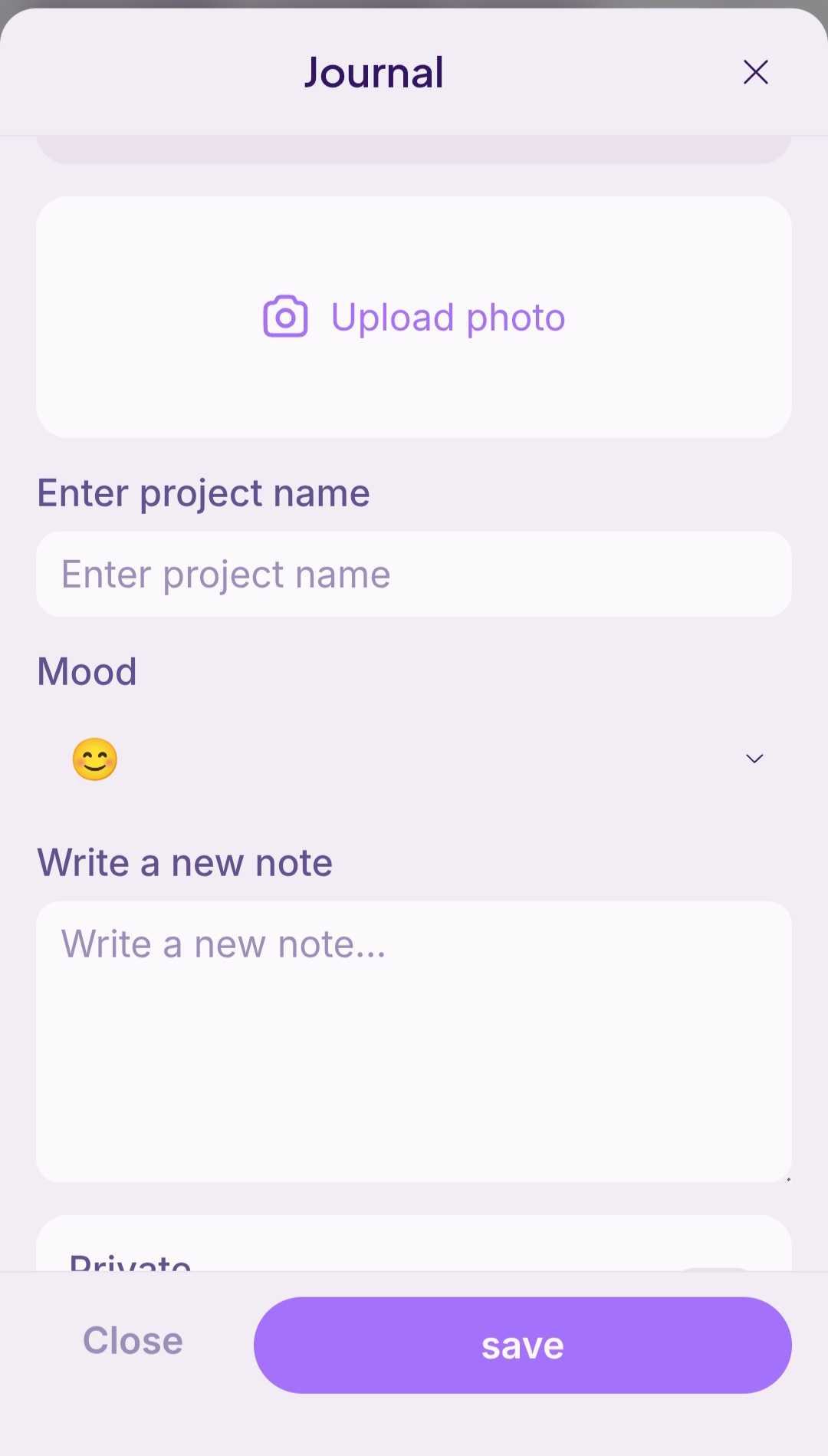
Click on that and it will open up the journal. Fill in photo, project name, and a note describing what you liked about the pattern and what yarn/hook you used along with any other nice things!
5 Likes
If you’re looking how to link your journal, go to your makes click the journal you want to share
click the share button
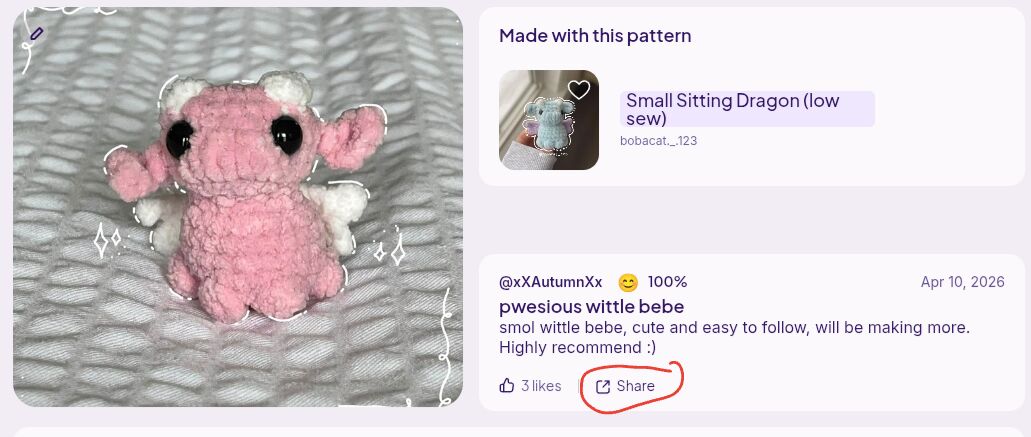
click the purple button
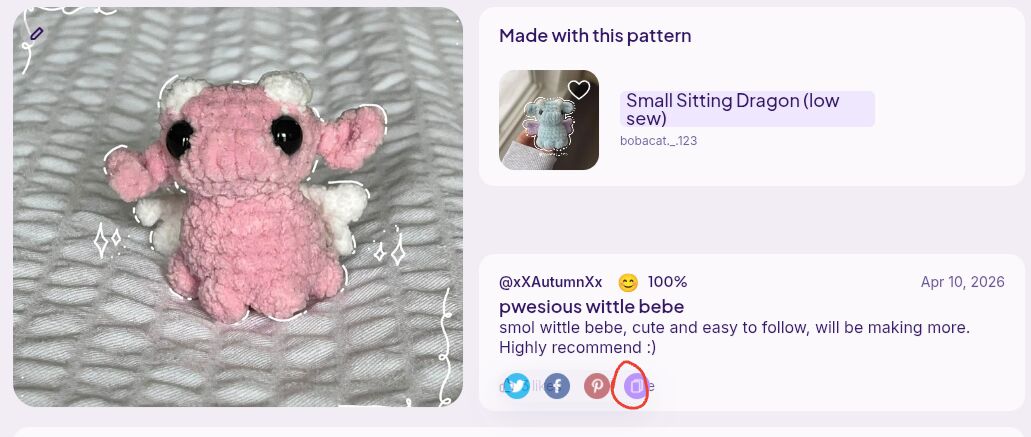
and then you should have it copied to your clipboard, and you can link it to the gc
4 Likes
Ah yes, you meant posting to the group.  You know you don’t have to post the journal, just a photo
1 Like