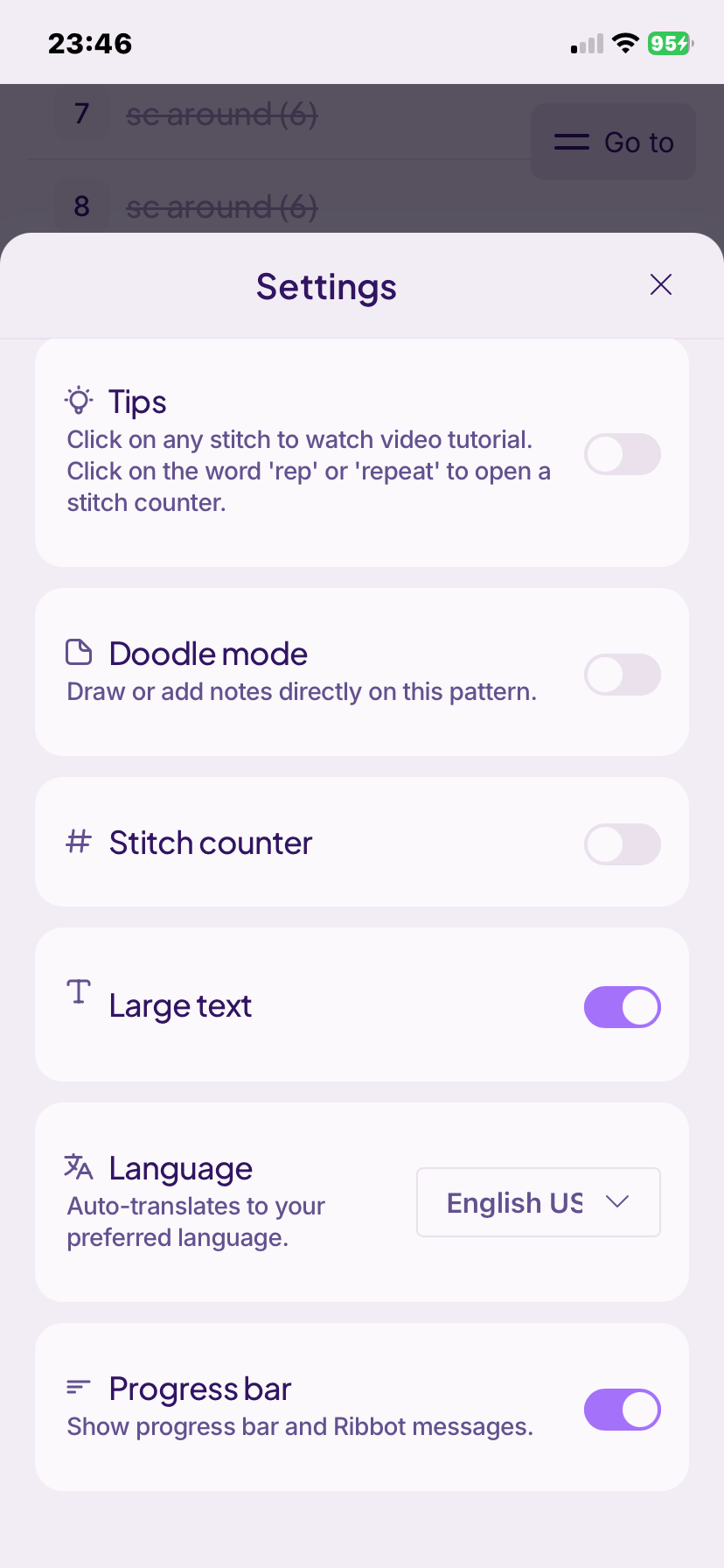

This progress bar, i try to swipe it off but nothing happens. For me, the progress bar is annoying.

If you toggle it off, does it go away? (So the slider is gray instead of purple)
If that doesn’t fix it, please send a screenshot so we can help more
it wont toggle
The screenshot is already provided.
Sorry, I misunderstood the question. Have you tried restarting/deleting and reinstalling the app? Maybe clearing the cache would help
Looking into this for you 
Hey @anoswaldoddity - we’ve tested it on a similar device (it seems as though you’re using an iPhone with a newer iOS) and we cannot reproduce this.
First, could you close the app? pull from the bottom of your screen to open the app drawer, then ‘push’ the app up. This ‘kills’ the app in the phone’s memory so then as you click it again it restarts. Let us know if that works.
If it doesn’t, would you be able to pull on the top right of the screen, hit the record button, and then use ‘share’ and send it to support@ribblr.com ? We’ll need that to try and understand what’s going on as we can’t find any faults on our side right now.
We appreciate that’s an extra step, so do take your time. We’re here and ready to help you solve this so you can craft in a way that suits you!
Screen Recording sent after shutting down and restarting app.
Thank you! Sorry you’ve run into issues. That’s never fun 
Hey @anoswaldoddity - can you try to turn off the ‘large text’ for a moment, and see if that solves it? or scroll a little further down, and try to toggle it? We believe it’s a specific iPhone glitch.
@anoswaldoddity I trust this has been resolved for you?
We have found a glitch thanks to your report which will be fixed on our next iOS update, alongside additional fixes and improvements. thanks for helping us improve Ribblr for all crafters
yes! It is working now!!!