
How can I delete patterns? I have a few patterns that I no longer want and I would like to delete them.
Unfortunately, you can’t delete patterns on Ribblr. But, you can archive them!
Archiving basically removes patterns from your pattern library, but you can still access them (and unarchive them at any time) by going to “My stuff” and then “Archive”.
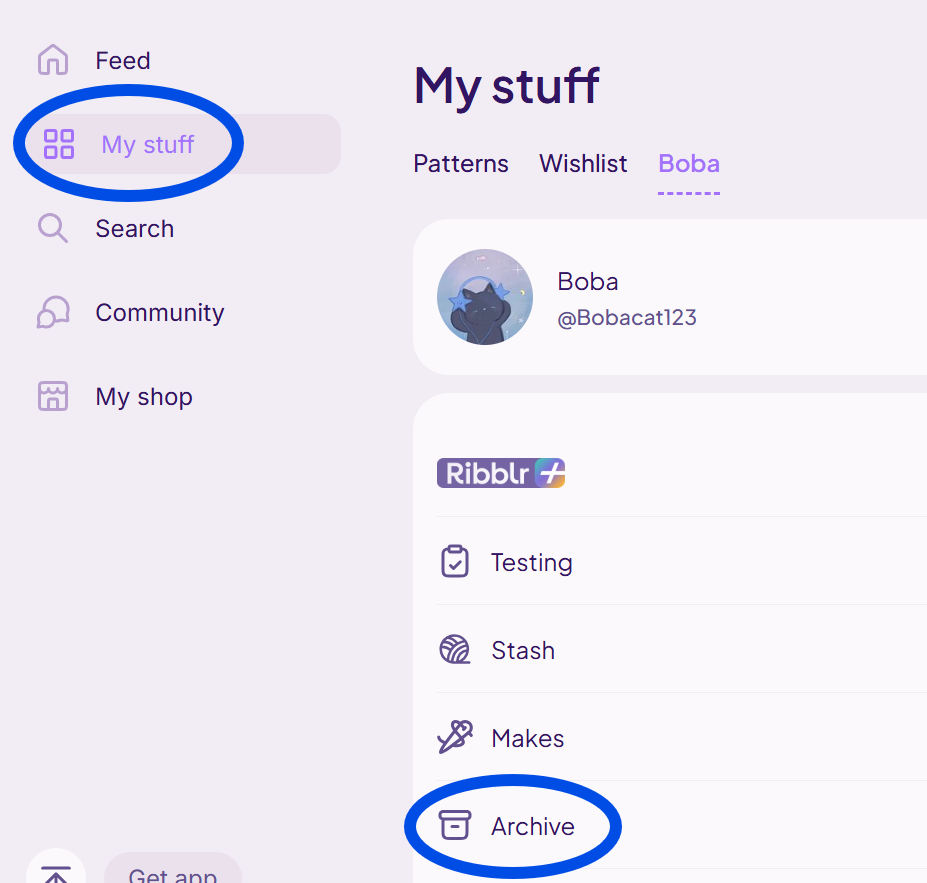
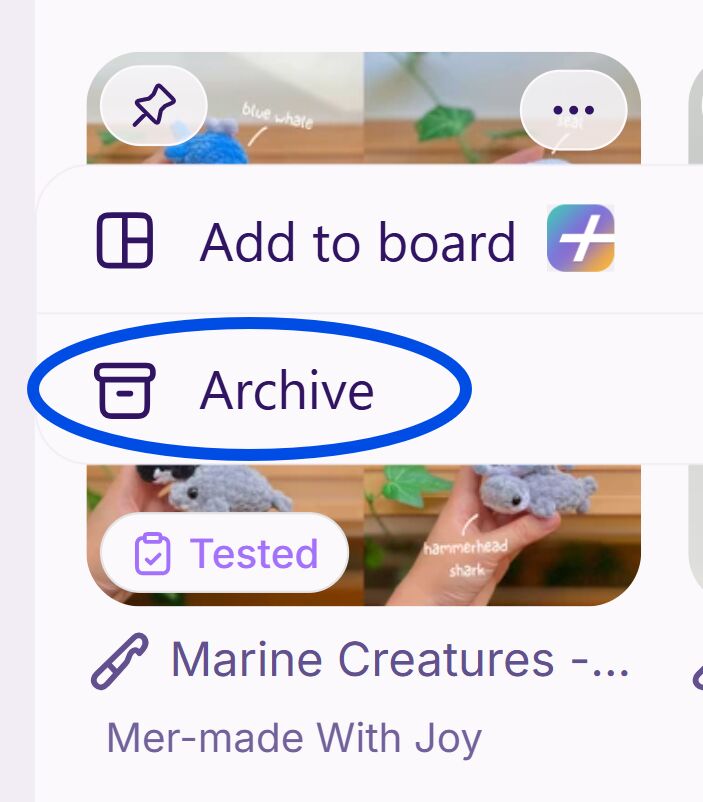
To archive a pattern, first go to your pattern library and then find the pattern you want to archive. Next, click on the three dots in upper right-hand corner.

Then click “Archive”
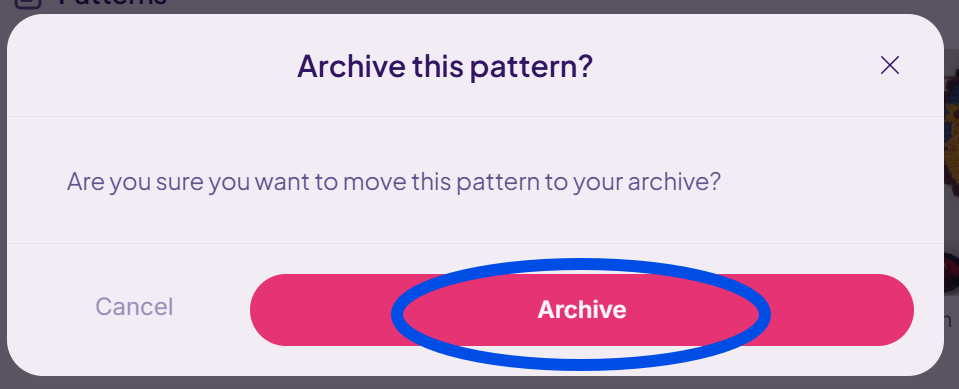
I hope this helps! 
If my post answered your question, please mark it as the “ solution”. Thank you!