
Question…is there a way to reopen a testing call after I’ve closed it? I didn’t realize I wouldn’t be able to reply to comments after adding “[CLOSED]” to the title 

I don’t think so  but liking the messages should be enough!
I dont think there is, but if theres anything thats important you need to tell them you could send a pm or as cr0chetdrag0n said, liking the messages would work too!
I dont believe so, but you could still like them to show your support!
hmm i dont think so but as the people above said, you could always like the posts, or pm/dm saying you appreciate the supportt
If you just want to respond to random comments you can reply to someone by clicking on their username and then on the ‘message’ tab in the pop up.
It’s necessary to close a tester call as soon as you have selected your testers. This is so that users know you aren’t taking on more testers and they can move on to those that are accepting testers. This is also important for the search functionality.
If you need to communicate with your testers you’ll need to create a group chat.
If you are needing more testers, and none of the other applicants are suitable, or you didn’t get enough, you’ll need to create another tester call. 

Thanks for the thorough reply! For my recent tester call there was one kind commenter who wanted to test but didn’t apply. I didn’t realize until after I closed it  I was going to approve her but she wasn’t in the list

Your very welcome. 
You can still add more testers via your shop as @BubbleTeaBear advised. I think you’ll find it in the ‘manage testing’ section. You can also add them to the group chat by going to the bottom of the group chat and adding their username.
Ohhhh!!! Thanks for pointing that little icon out. I’m a little nervous to use that option though. Manually adding sounds like they’ll get access to ALL my patterns 
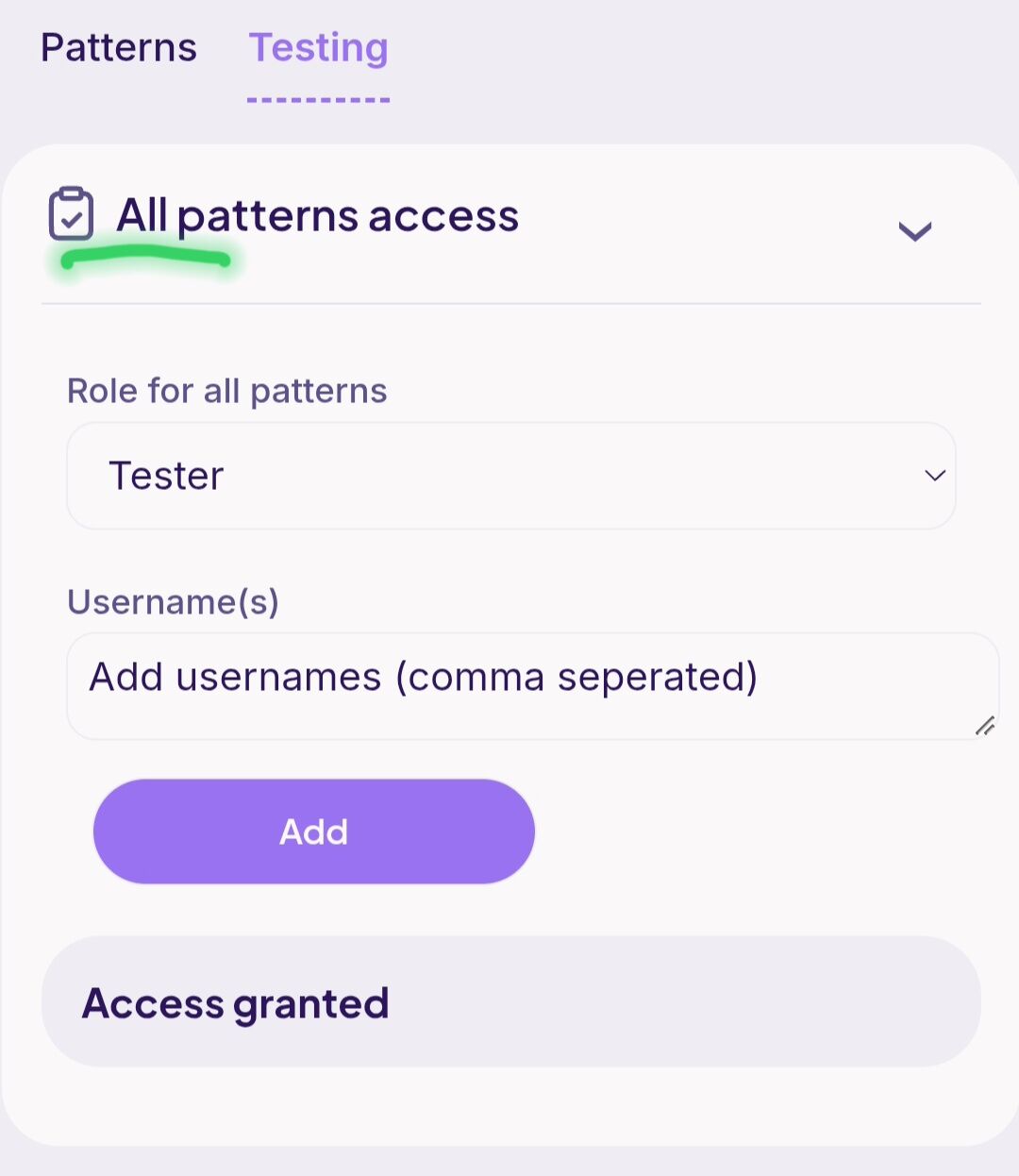
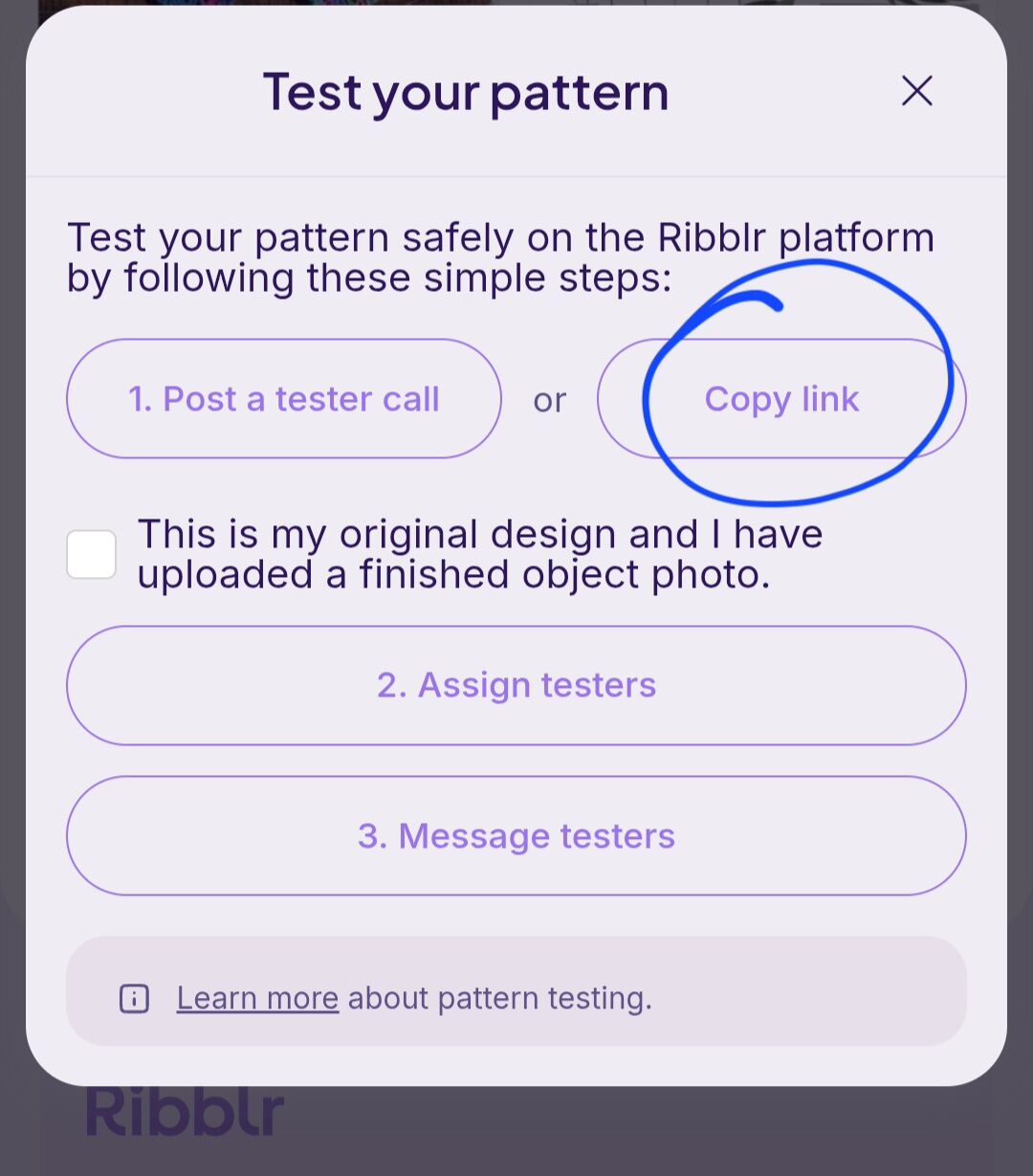
But I think I found a pattern specific way! I’ll try to send her the link and see if that works 
Thank you for helping me poke around a bit and get more acquainted with testing stuff!!! I truly appreciate it 


 Awesome sauce!! Thanks again for helping me out
 I think we can make this work

If the link to the pattern is already in the group chat, adding them to the group chat may also give them assess.
I don’t believe that would work. It just directs them to their testing library and not the pattern itself.
That is how to do it (by sending the link when you look up your pattern in your shop). You almost never want to use the all pattern access unless you are collaborating on a pattern with someone else in which you are both working on the pattern (but I think will only be in the one shop). And as was mentioned above by @IMadeIt , you will have to manually add the new testers to the group chat (if you didn’t know already)
That happened to me you could edit your tester call title and remove the word “ closed “ . that might work  not sure if you have already done it though since I’m replying kind of late .

Thanks so much I’m constantly learning the nuances of Ribblr 
Thanks for replying Elsa. Removing “closed” sadly didn’t work  The system kept the post locked

I am still learning after 2 years on here!
Good to know!
You should be able to message the leaders and have them re-open a tester call! Just saw them mention that on a tester call!