Ribblr widget

I’m sorry to hear that! I just heard back from our team - apparently this is an issue for iPhone made prior to 2020, so older devices such as your iPhone 11 made in 2019. This is more of an Apple thing, however we now have an open ticket to see if we could find a way to support those devices.

Every one else on this topic please do let me know your device model so I can check that for you and confirm if the above applies to your device too.

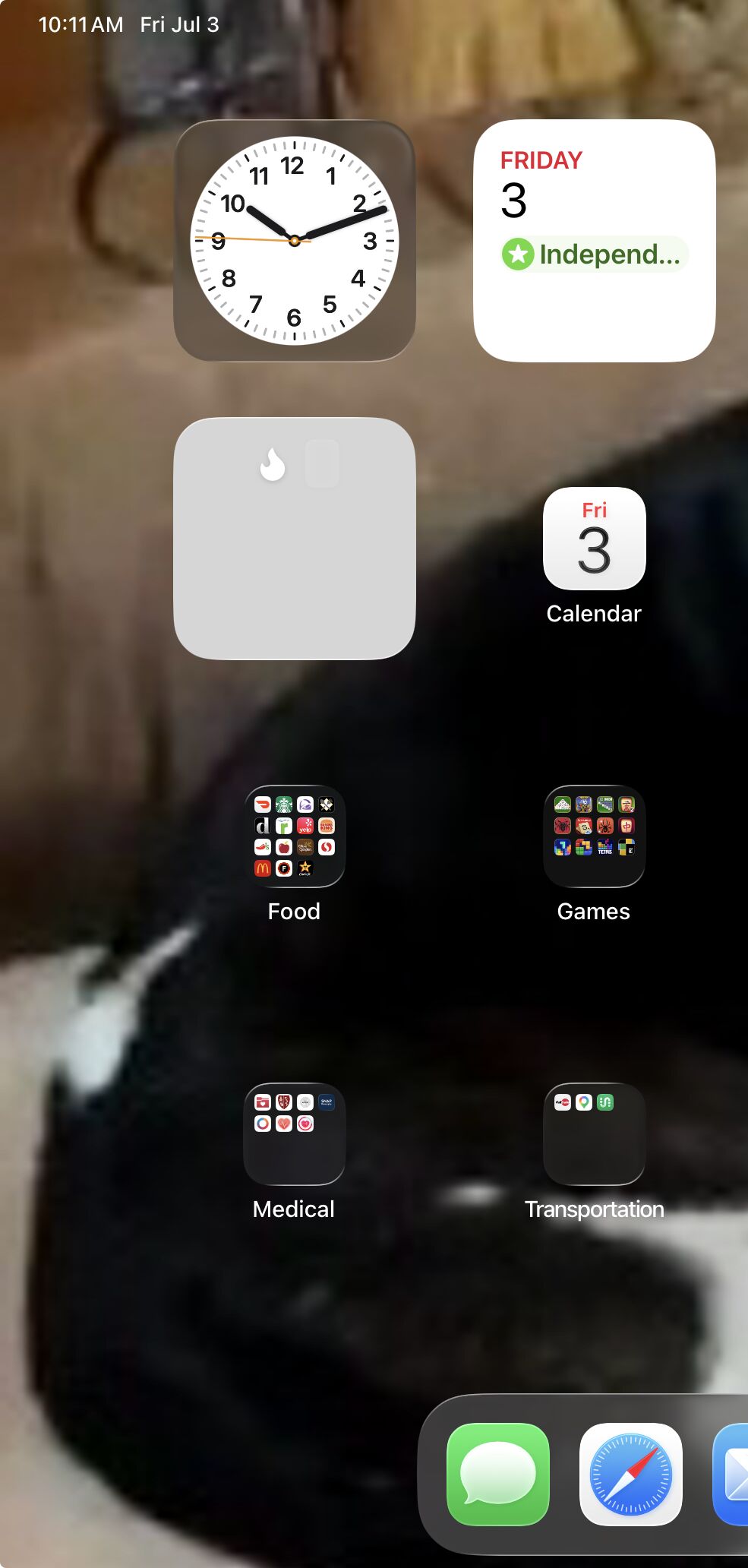
I see a grey box with a white ā€˜flame’ like Ladybug1583, depressivecrying and elliebellylemonjelly. I can click on it and it takes me to the screen where I can feed Ribbot and play Ribbot Run etc. It works okay. Just appearance wise.

I updated the app to the latest version.

I have an iPhone SE 3rd generation and am also having this issue

that is likely to the same limitations. Without going into too much technical details - those device are effectively slower, and thus are ā€˜capped’ by Apple to avoid overheating so they do not render our widgets. We’ll see if we can find a fix for that though please note this will likely take time. Sorry about that!

Thanks! Can you share which device you’re using? feel free to share in private if you prefer.

I have an iPad mini (6th generation)

yes that would likely be due to the same issue. We hope our team can find a solution in a future update though!

I use an iphone 11.

I don’t see any changes to the Ribblr app. Either on my iPhone 16 or new iPad Pro

Can you check if there’s an update on your App Store?

There is no update. It just has the open button in the App Store. I just updated the IOS a few moments ago before opening Ribblr. It is 26.5.2

can you share what you see on your iPhone?

Just the normal Ribblr icon

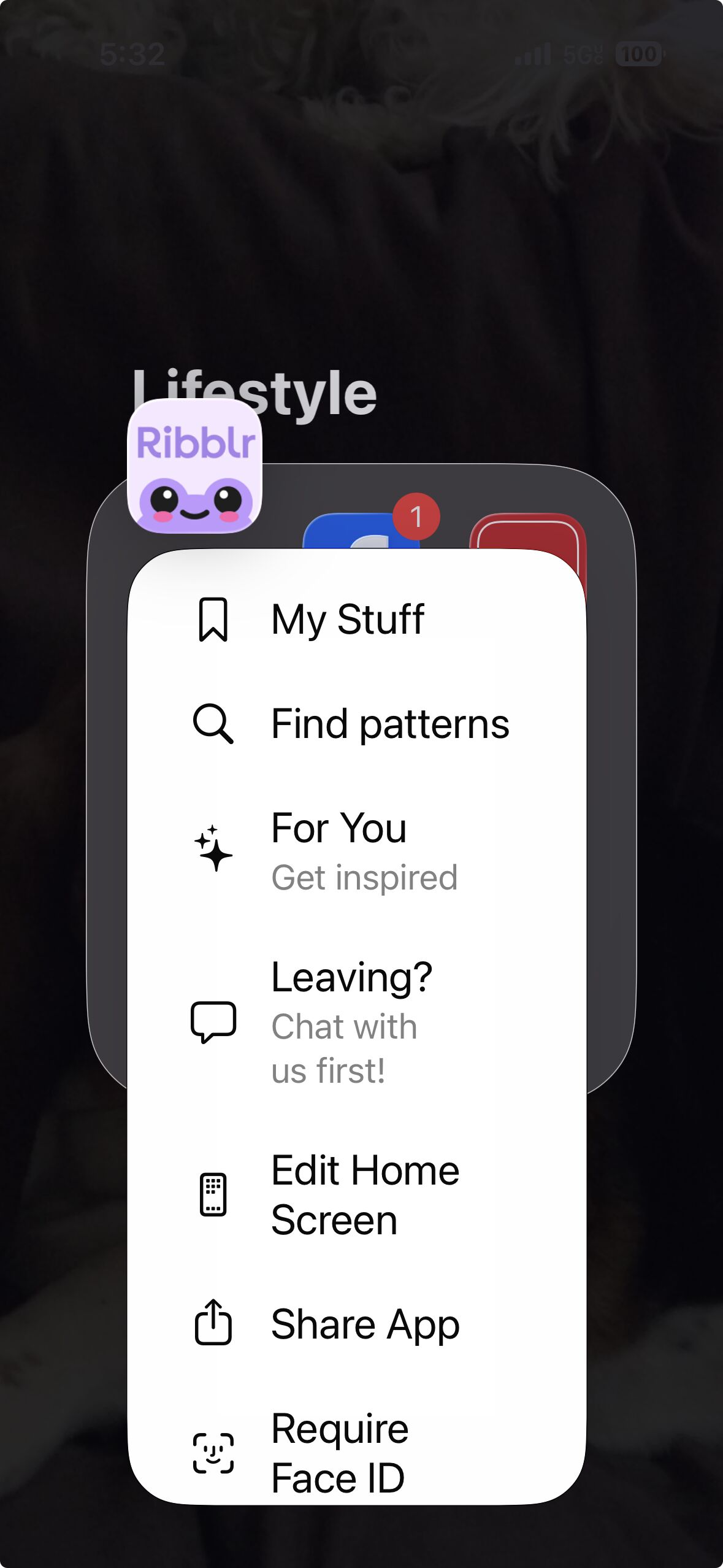
if you long press it, do you see widget options? there’s icons that looks like boxes.

Do you mean this?

can you try to click the homepage (long press) then top left widgets, then look for Ribblr?

App or website?

I use the app so am not sure where the home page is on the app

actually when I do use the website it more or less opens the app without my telling it to do that

On your iPhone go to the main screen where all the apps are. Long press in an empty space and look for ā€˜edit’ in the top left. Then click add widget and scroll until you find Ribblr.

Let us know if that works!

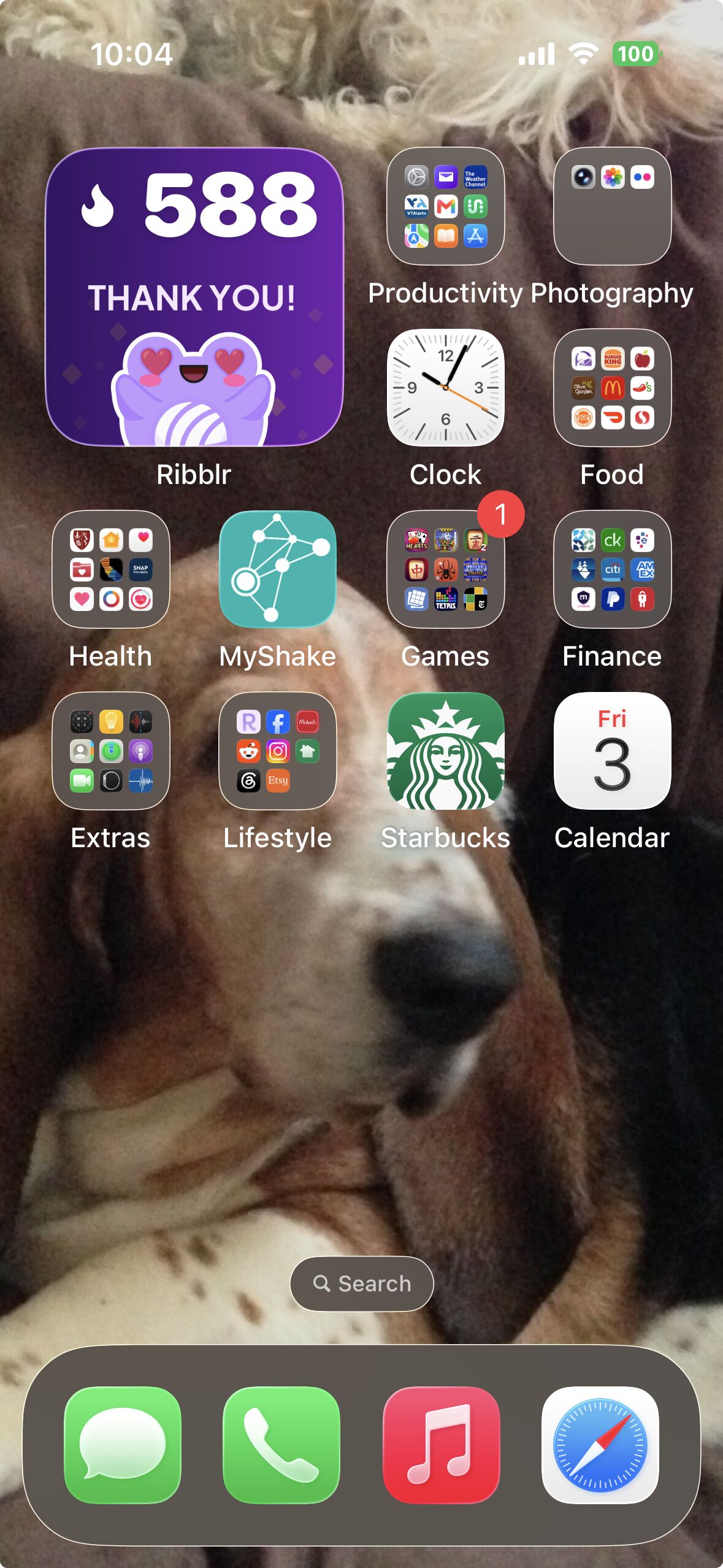
I think it worked. It only added 1 but it monopolizes my screen

On my iPad Pro it shows up as a gray box