Hi Ribblr family
I was wondering if your shop pfp has ever done this
this issue
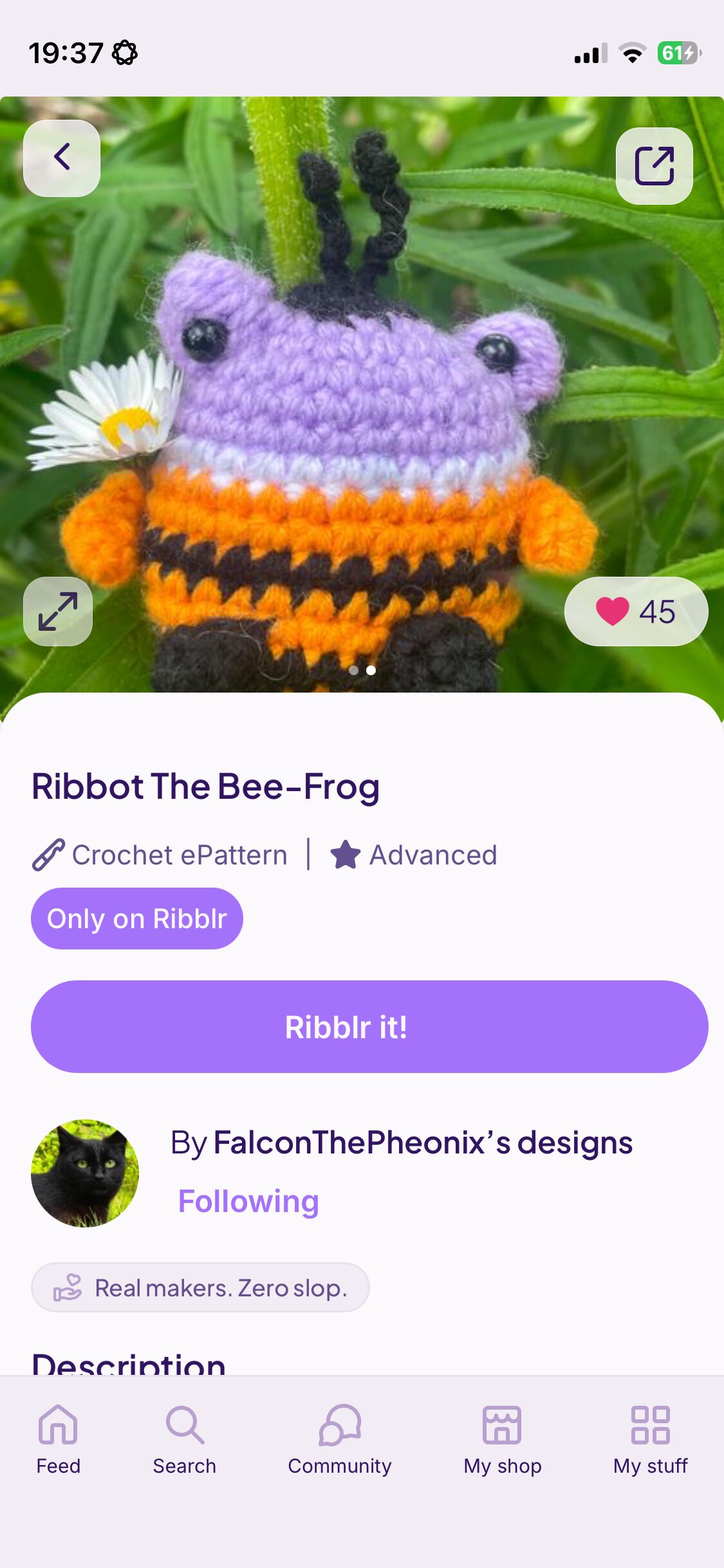
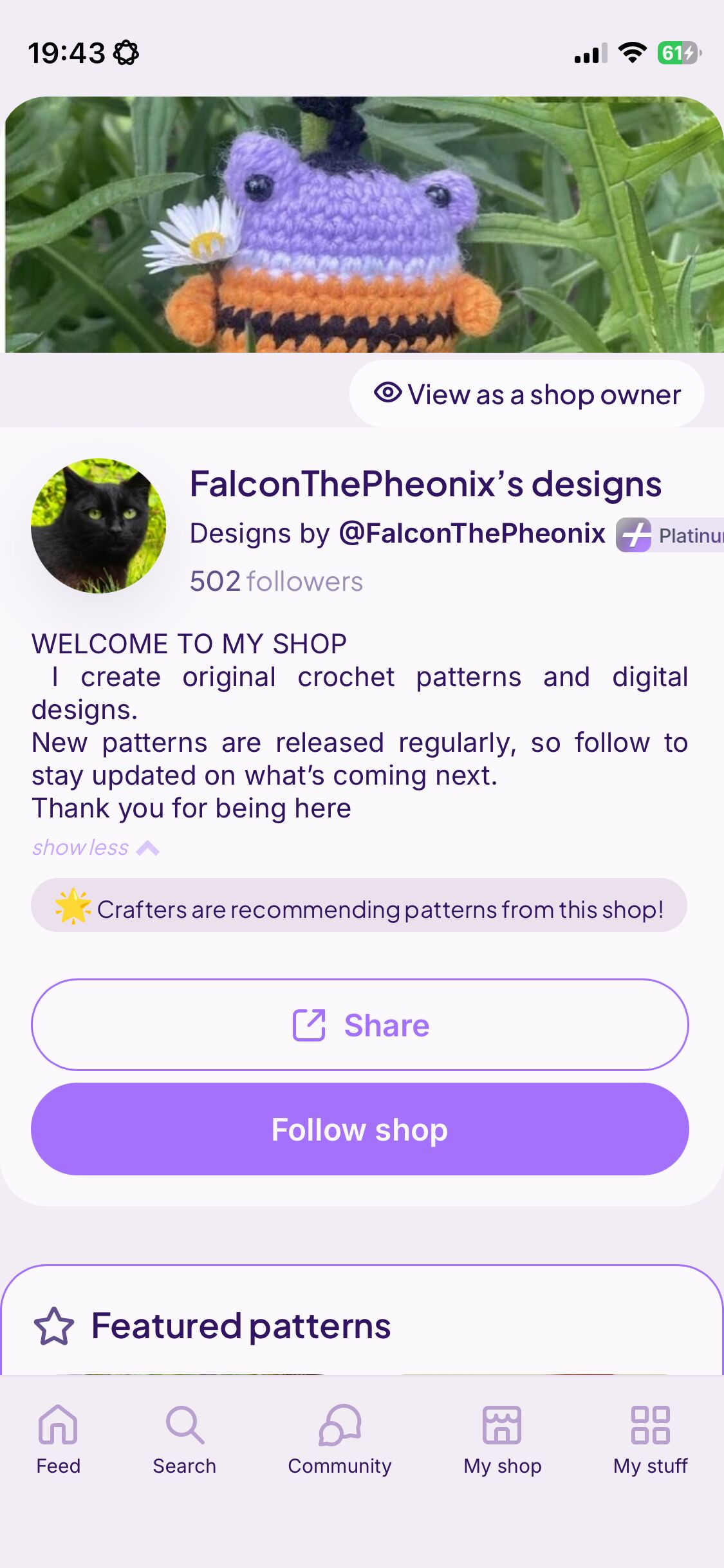
As you can see when I go on my shop it’s a different pfp to when I look from a pattern
Or as a customer
I was wondering if you knew the answer
I have tried logging out. Refreshed the page and turned WiFi off- non of which has worked
It is the 1st photo (bee) in your shop and when I look at one of your patterns.
This topic comes up a lot when people update their shop pfp. It takes longer to show up on your end but the community sees the new one 
It’ll just take a bit! I see it as the bee for both.
Same thing happened for me when I changed mine. It’s fine now tho!
i think it just takes a while for the new pic to show up for you. for everyone else, the new photo is already visible.
This happens everytime you change your pfp in your shop, if you view as customer it will show your old one but everyone else will see the updated one. After a while it will show your new one though.
Try logging out and back in! 
it usually does this for a few people, but everyone who actually views this sees the updated version. please mark this topic as solved if you’ve found what you’re looking for!
it usually takes a while for it to load!
it usually just takes a while to load!
also, remember to mark the answer that helped as the solution