
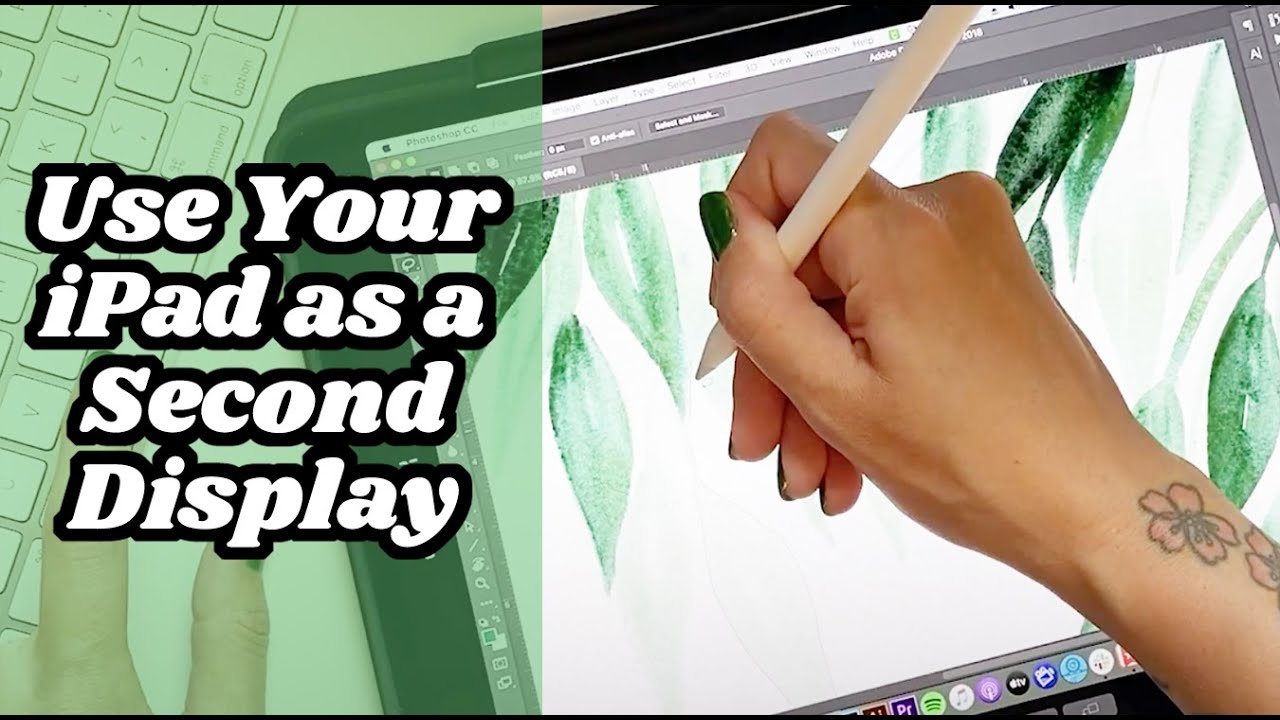
People say that the best free drawing app is Krita, right? But it’s only on android and not on apple(I have tried it on Android and figuring out the palm rejection is probably impossible). And Photoshop is also really good, but I think you can only do it on the computer or smth. So I found a video on how to connect your ipad to your macbook:
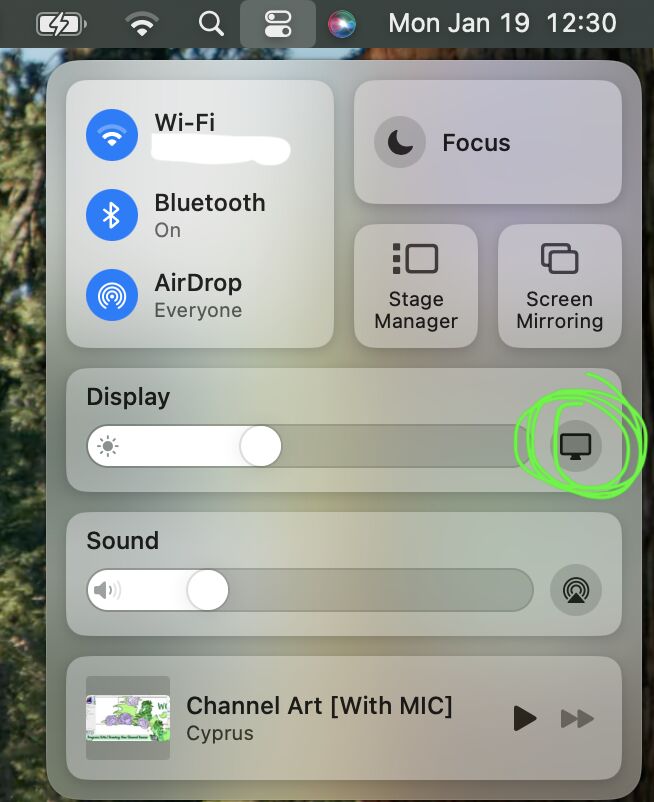
basically you go to the top right corner of your computer/laptop (make sure both your ipad and laptop are turned on) and find the little switch icon thing and then click on the monitor button thing
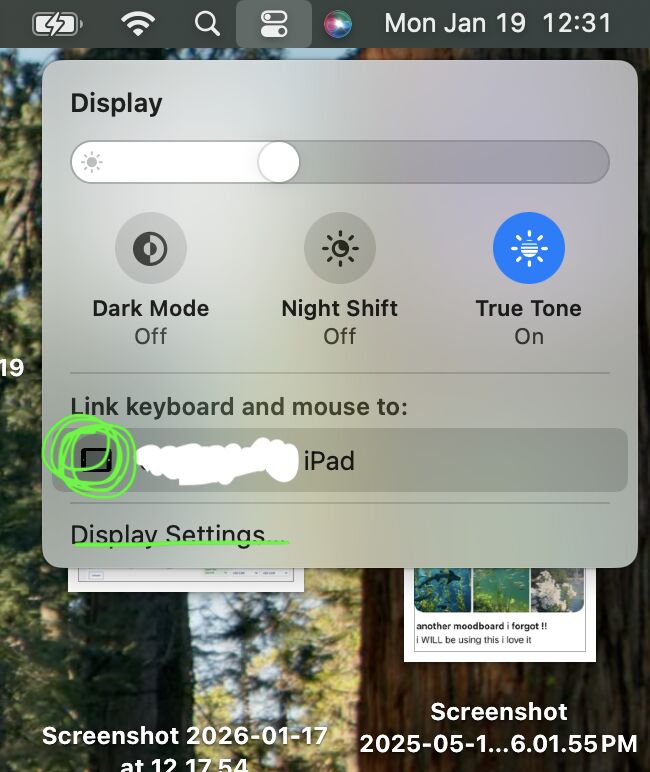
then you click on whatever device you want to connect your laptop to and then go to display settings
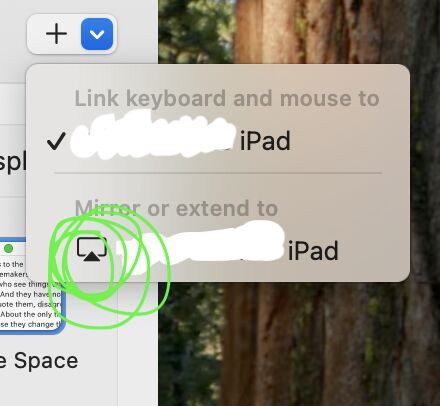
and then click on the little blue arrow

and finally, click the “mirror or extend to button” (and the “link keyboard and mouse to” button if it doesn’t already have a check mark)
And you’re done! Now all you have to do is download whatever software you want to draw on and yeah! :D