
I just had this happen on my iPad, too.
Same thing happens, this screen popped up when clicking on my stuff after scrolling through the community for a bit. It does not happen every time. This is actually the first time I’ve seen it pop up on my iPad.
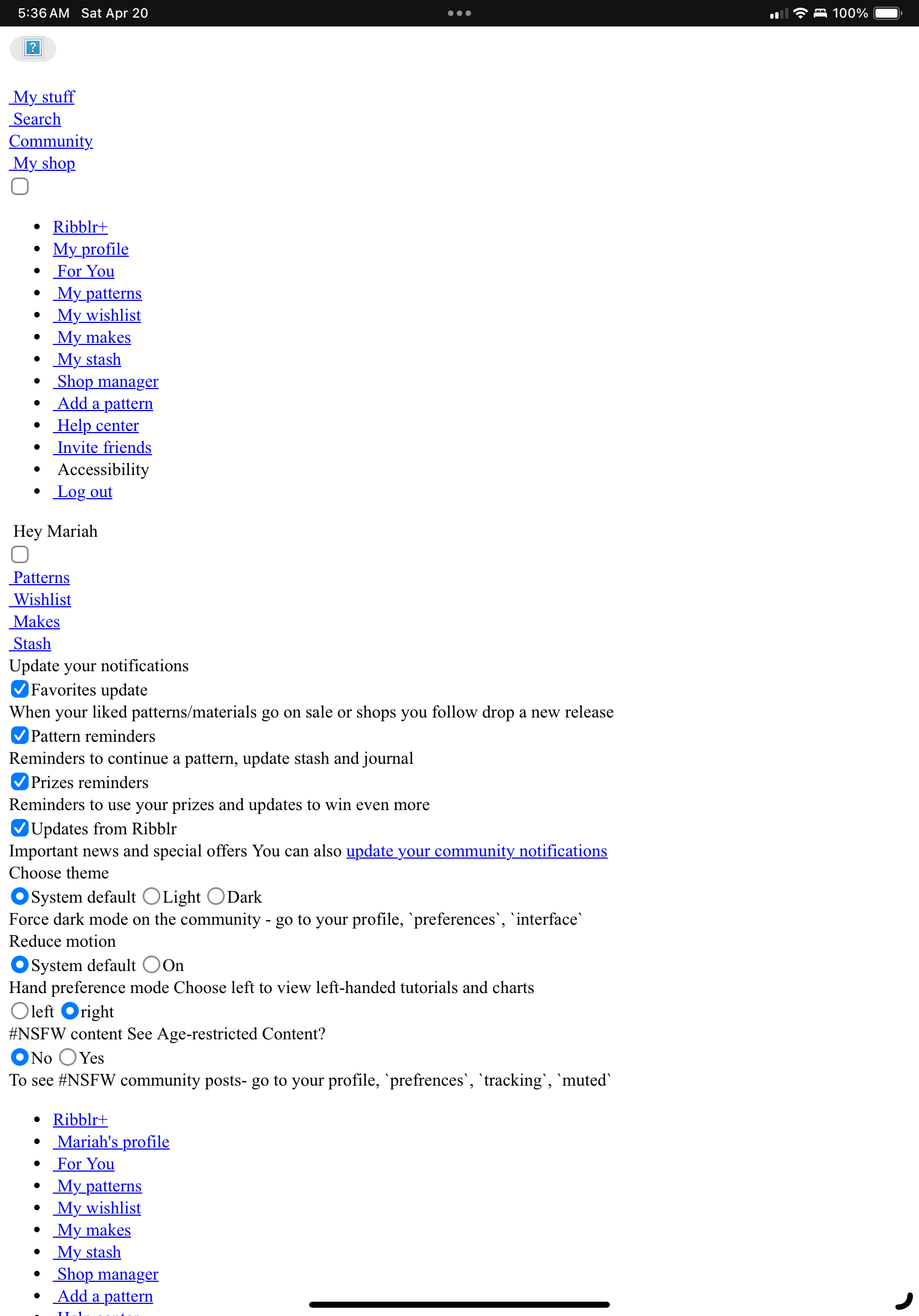
Did this happen today?
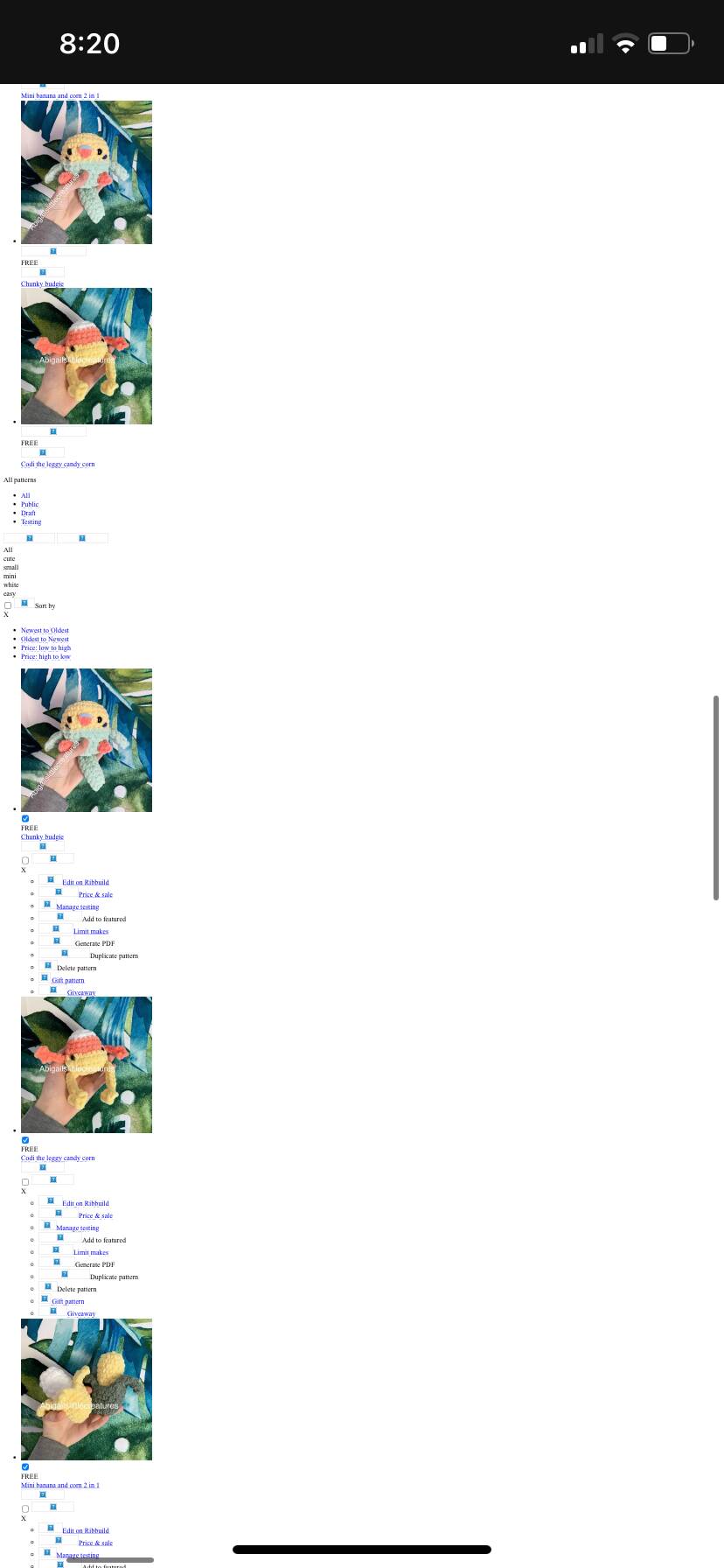
Yes, in my screenshot you can see the time stamp and date in the top left corner 
5:36 a.m EST on April 20th
Hi,
Thx so much for your detailed feedback and for your patience.
This is happening for some IOS devices, but we failed to simulate that here.
We’ve made some tweaks and hope this will resolve the issue.
Can you let me know if it’s better now?
Avi @ Tech Team
Any better now?
Avi @ Tech Team
@Ribblr, I’ve noticed that the problem hasn’t been completely solved for me. It still happens on and off
When was the last time it had happened to you? Thanks!
It’s been happening today.
Hi! We’ve deployed a new solution which we hope would fix these issues.
Please note this fix is currently only available for the menu items, meaning clicking on home (Ribblr logo), Search, My Stuff, Community and Shop.
You may still run into issue when clicking on a shop/makes/wishlist/stash from someone’s profile.
Can you please report to us if you experience issues and if so, which page did you try to go to?
Thanks!
@SashasStitchcraft @AdolosFlow @AbigailsLittleCreatures @Kayla1234 @OrangeStudios @katzii2024 @PearlCrochets @Sk8rCatCrochet @JanGray @chomkybean @LittleCreatures @tvgirl @sakuracrochets
So far, I have not had it pop up when I switch between home, search, my stuff, community or my shop.
I think this is new solution is working.
It also seems to load faster as well, when I am switching between them.
I have also noticed that I haven’t had the screen pop up recently when clicking someone’s shop or makes, despite this not being entirely geared to fix that, but before I was having it pop up almost every time I clicked on someone’s shop or makes from someone’s profile.
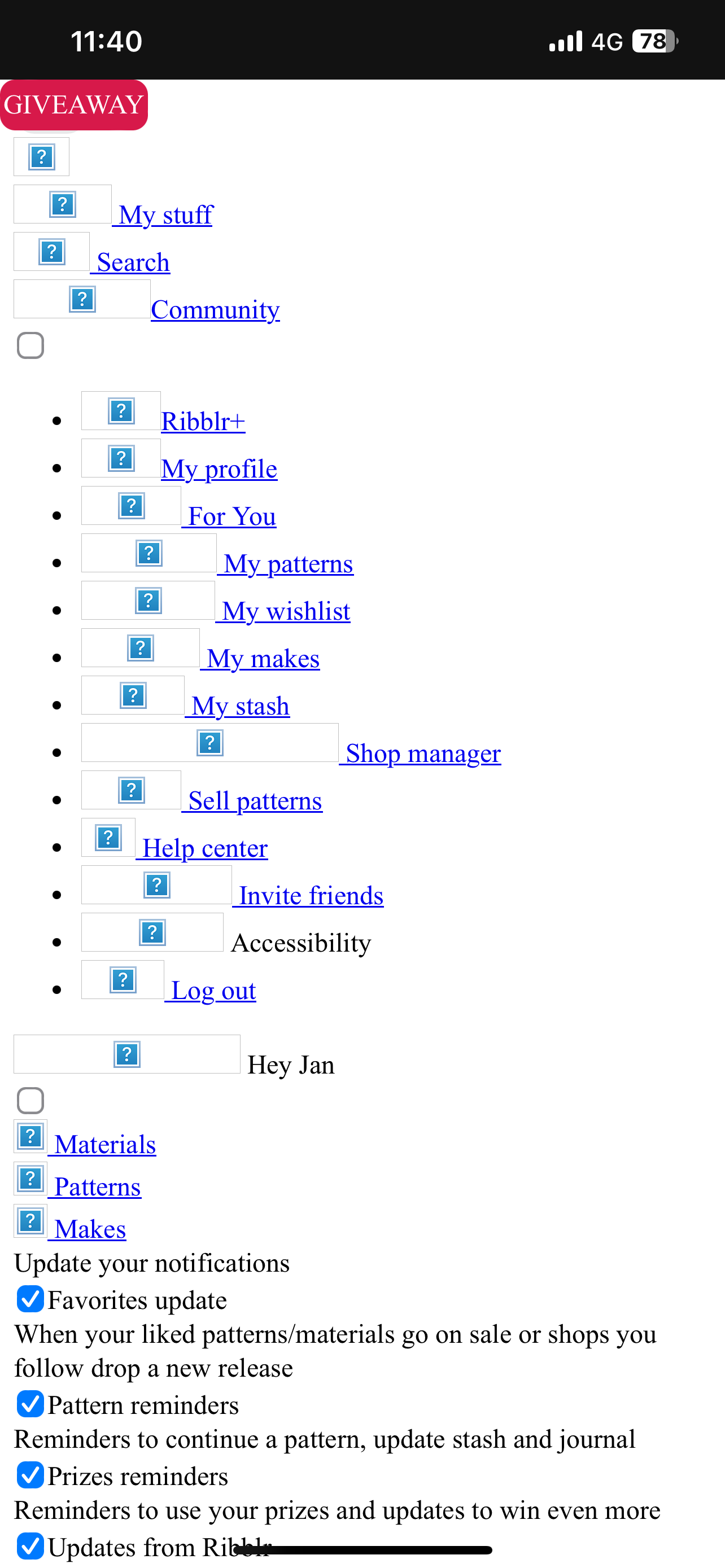
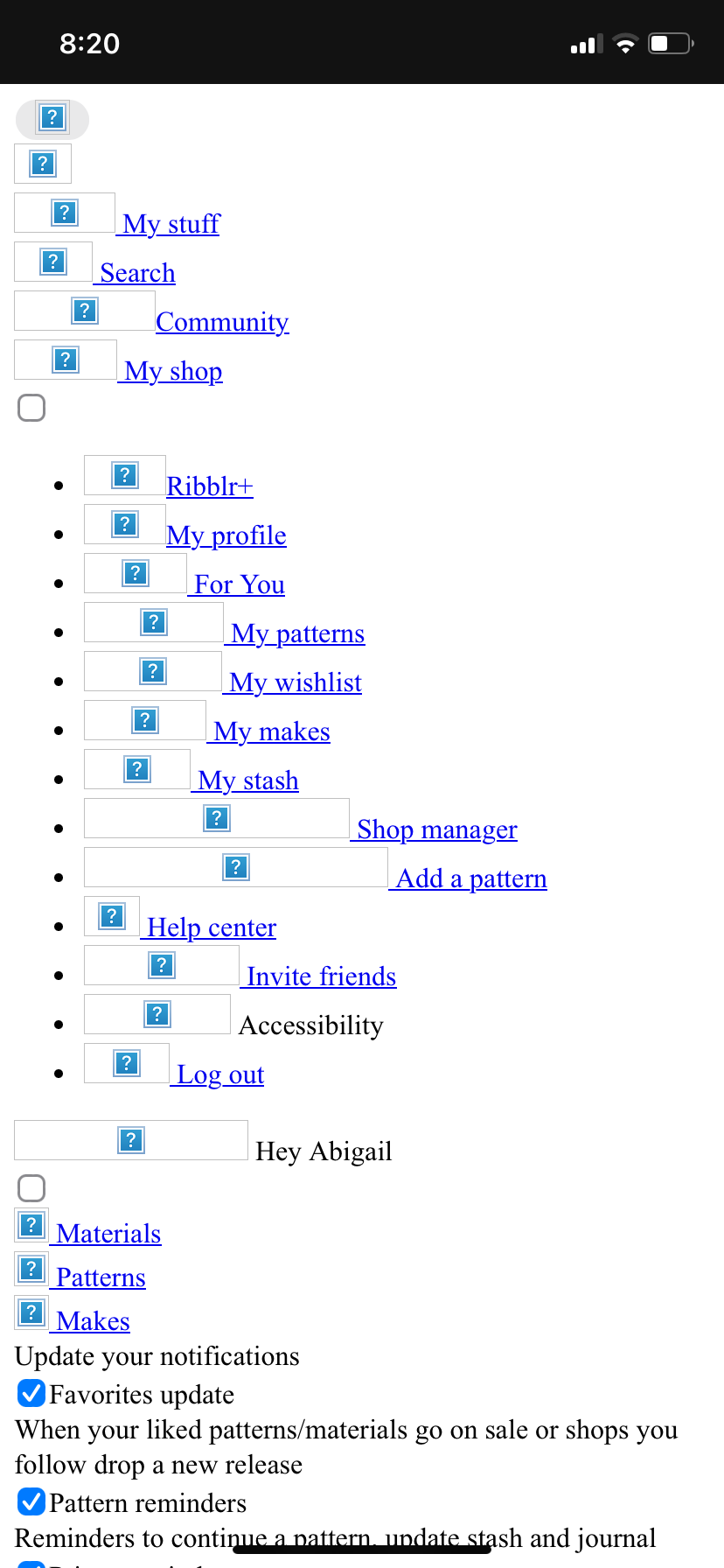
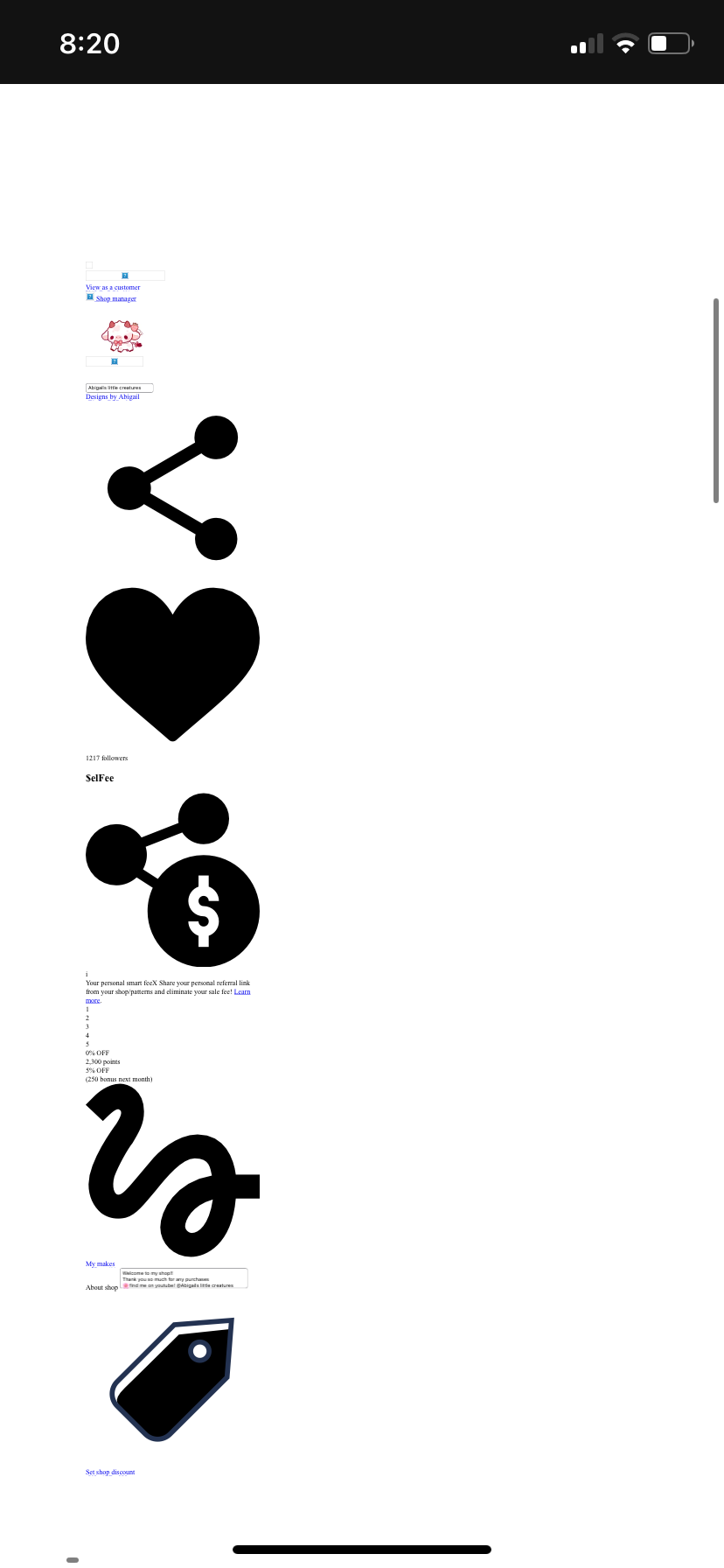
Issues again! I tried to go to my shop page and the white page of doom showed up again  I see the fix worked for some. It’s been happening less frequently, which is good, but it seems the issue still arises.
What did you click @PearlCrochets and did you see the same issue as the photos above?
Did you click ‘home’ as in the Ribblr logo?
Also I can see you’re on 4G - were you on 4G the whole time?
I clicked the “My Shop” in the little icon sections, where the fix was said to be deployed. The fix helped a bit, but the issue still stands sadly.
Thanks! To clarify - you’ve clicked the shop icon on the bottom navigation menu, then the above bug occurred. Is that right?
Which device are you using, and are you on the app or a browser?
I think it’s worked for the most part, but it still seems to be happening when I try to go from a chat to my shop.
The shop option shouldn’t appear with in chat. Can you add a screenshot please?
Sorry I should have been more clear, I meant like the community topics/discussions not like actual dms.