Got you! Thanks. So it does happen still, though less frequently?
Which device are you using, and are you on the app or a browser?

Got you! Thanks. So it does happen still, though less frequently?
Which device are you using, and are you on the app or a browser?
It is definitely happening less frequently, but still occasionally. I’m on an iPhone 15 and using the app.
hi ribblr! this is still happening to me too T-T I’m on the app on an iPad 9th gen base model, and it does this glitch whenever i press on my shop from the icon or someone elses shop if i am pressing from the community menu (but about 10% of the time from any other page as well.) ive tried uninstalling and re-installing the app, as well as restarting and updating the device and app and signing out of the app. its been happining since about december. lmk if you need any more details (:
so only when you click My Shop, but every single time?
yes, as long as im on the community page. if im on any other page, it works almost every time
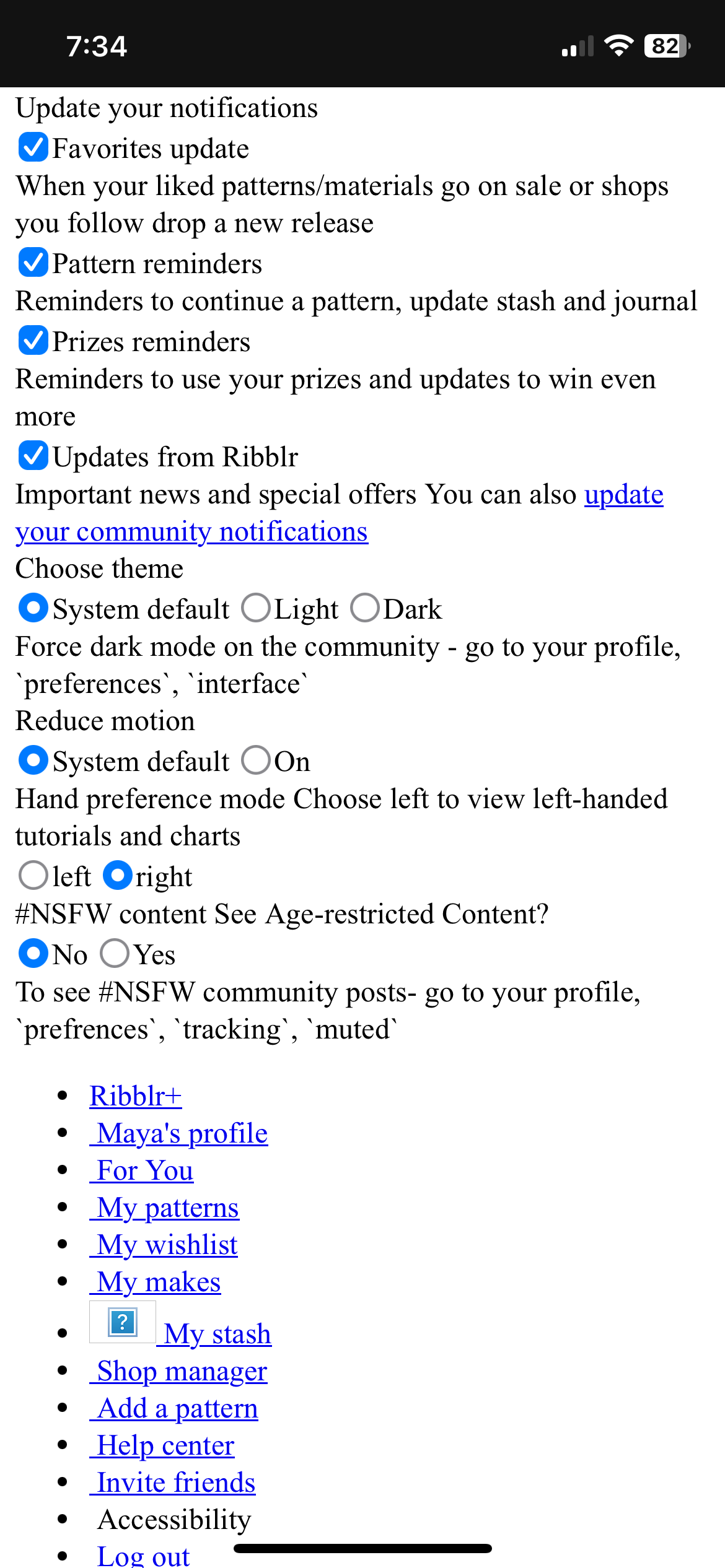
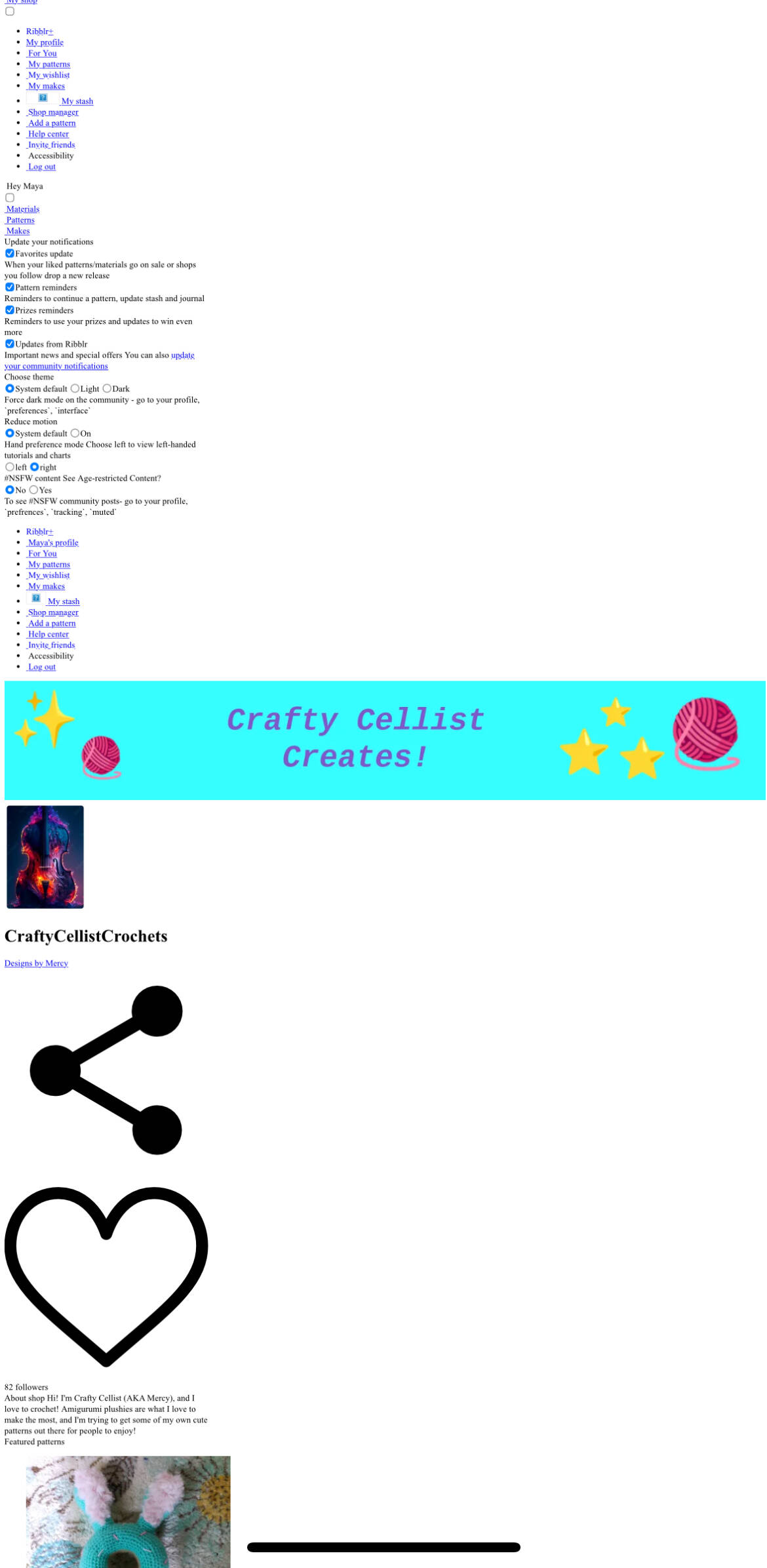
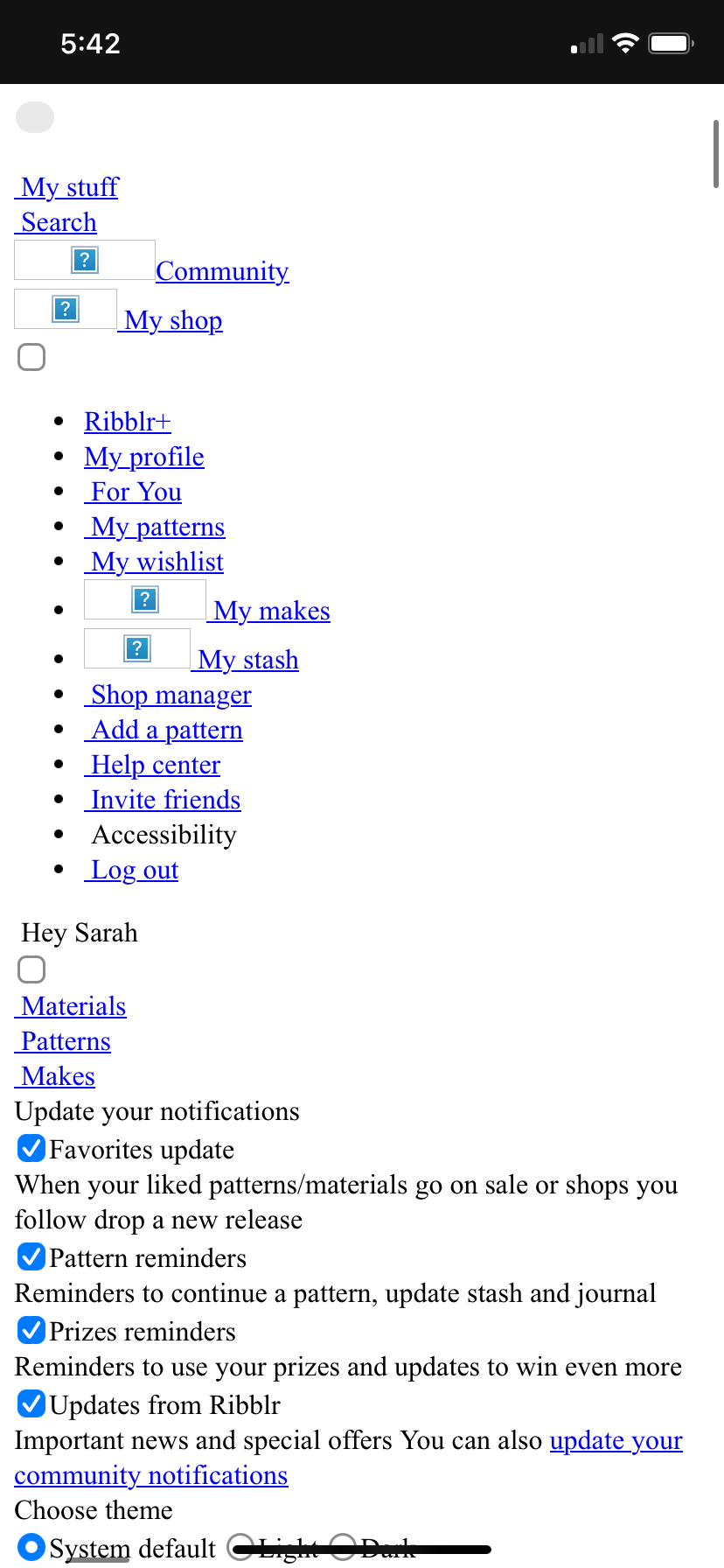
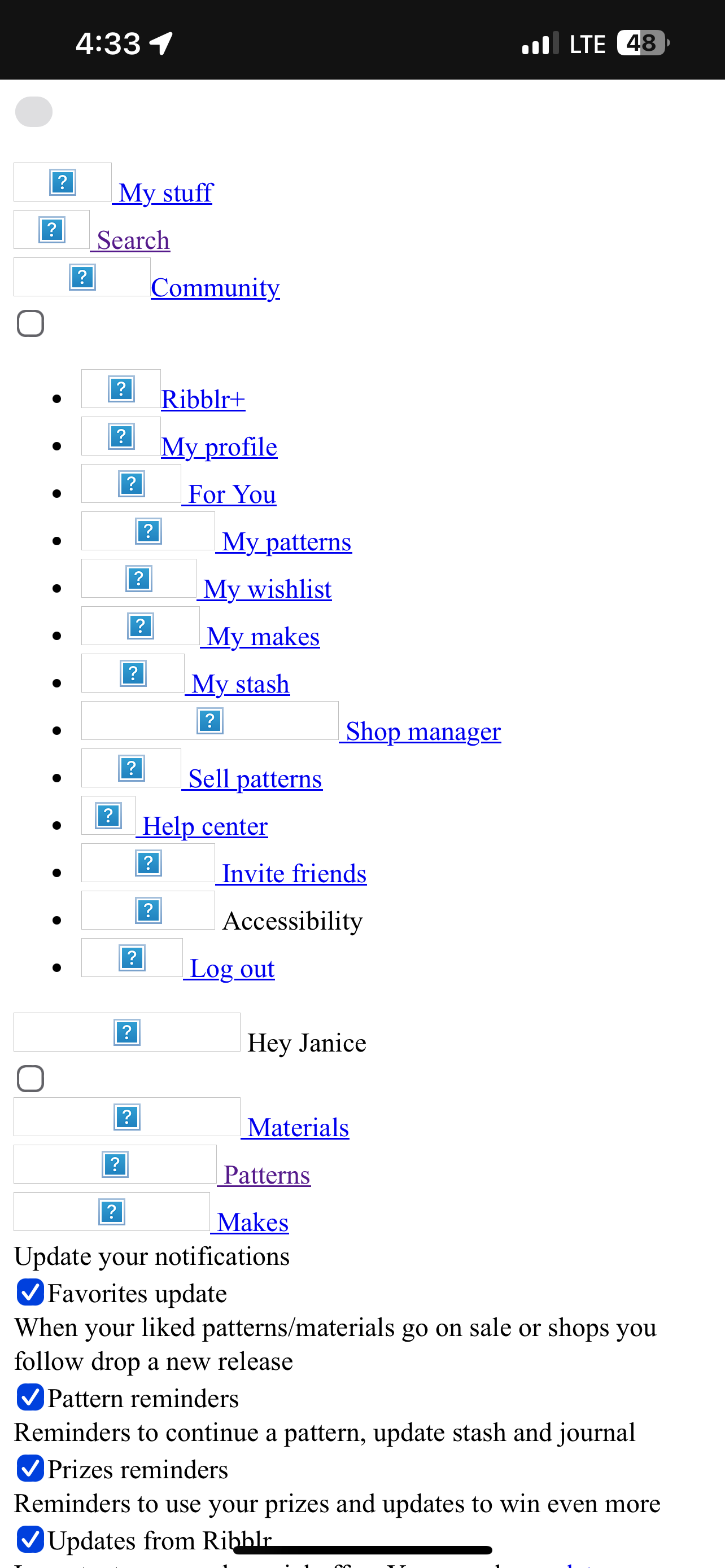
Hiiiiiiiiii! So this has been happening for a while and idk if it’s just my devices (it happens on both my phone and iPad) but whenever I try to click on someone’s shop or makes it brings me to this page:
 Just wondering if this can be fixed or if it’s just me : ) @Ribblr
samee it happens to me all the time
yeah, unfortunately this is a very common bug 
Yup, happens to me quite often too. Very annoying 
@leaders, this relates to a solved topic from March.
May you please merge this with the solved topic? Thanks!
Sadly this is just a weird Safari bug on IOS. Ribblr is working to fix this.
Do you happen to have the link? I cant seem to find it.
Yeah, of course!
In the replies Ribblr has a response for when going to someone’s shop or makes
Thank you!
Hi again!
Our team are still on it. It’s been identified as an Apple Webkit bug which we’re hoping will be resolved in the coming weeks when Apple releases a new version of Safari and Webkit to iPhones. Right now this is an inconsistent issue that may occur for all iPhone users
Not sure if this has been happening to anyone else but often when I try to click on my shop in the app this pops up. I usually have to close the app and reopen it and then I can do it. But it has happened to me every day for at least a week. Just want to make sure the proper people are aware and see if it might just be something on my end! Thanks!
Ya it’s been going on for me . I’m on iPad gen4 I think
We are aware of this. It’s unfortunately an issue on Apple devices due to an Safari Webkit. We’re waiting for updates from Apple. We apologise for any inconvenience this has caused you.
Even if your using the app?
Unfortunately yes as our app is based on Apple’s webkit features.
We’re monitoring the issue and the bug. we hope to have updates soon